Mojo's blog banner

Author: mojo

  • Internet service has no maverick

    If you’re like me, you have exactly two places from which to buy high-speed internet service: your phone company (mine is Verizon) or your cable TV provider (mine is Time Warner Cable).

    That sounds like competition, doesn’t it? If you don’t like one, you can go to the other.

    Why would I switch?

    After nine years (and about $10,000) with Verizon high-speed internet (for a commercial account), I closed up my internet servers and asked to switch to a retail consumer account.

    There was no hardware change required, purely accounting and configuration.

    At first my Verizon commercial account rep was very helpful and understood my desire for limited downtime. She looked at the back log for a consumer account creation, and postponed my account closure date three days to allow for that.

    Once my account was in the hands of the consumer internet division, the company once again became the bureaucratic behemoth that it is. My commercial account rep handed off my call to a consumer/residential rep, and assumed that all would be well. At that point I was told that they could not initiate any action for a residential account until the commercial one was closed. In other words, there was no reason to delay closing the commercial account.

    Still, my residential rep promised a call on October 14, my close date, and stated he would “do his best” to expedite service for me. He provided the phone number of his “secretary” to reach him on connect day.

    October 14 arrived, and early that morning my internet service was turned off — right on schedule. The day came and went with no call from the consumer rep.

    On Tuesday morning, I started calling the “secretary” number. After three messages, I finally got a return call at about 10:30.

    Everything seemed to be going well until my rep said that the account would be established “no later than” October 18, three days hence. At that point I said “cancel the order” and ended the call.

    I visited Time Warner’s site and ordered cable installation. True, there’s no way TWC could respond any faster, and I have an installer appointment for Friday morning, October 18.

    Still, Verizon has lost me as a customer, and besides internet service I’ll move my landline telephone service off of Verizon as well.

    Do they care? Should they? The answer to both is “probably not.”

    Internet service has no maverick

    I only recently learned of the importance of a “maverick” when it comes to competition and markets. I learned about this from a splendid NPR Planet Money podcast, Episode 438: Mavericks, Monopolies And Beer. It tells the story of why the Federal Trade Commission halted a planned merger between Anheuser-Busch InBev and Grupo Modelo. It would convert the beer market into a duopoly of two companies: InBev and Miller Brewing.

    In this case Grupo Modelo acts as a “maverick” company, forcing the two giant corporations to genuinely compete and innovate, despite being a tiny player in the beer market.

    The podcast is twenty minutes very well spent.

    The thing about internet service is that there’s a huge barrier to entry for any would-be competitor. Who could be the maverick?

    Two words: Google Fiber.

    The effect of Google Fiber entering the internet service market in Kansas City and Austin has been exactly the beneficial effect of a maverick in a marketplace dominated by two giants. The big companies find themselves forced to actually make the investments they’ve promised.

    Remember Verizon FiOS? Were you waiting for it to arrive at your house? Keep waiting — they’ve long since halted the roll-out. They only built out enough FiOS to get regulators off their backs for a while.

    The phone company and the cable company have this in common: They hold a monopoly on service to your home granted by your local government. The opportunities for corruption here are enormous.

    We are dealing with a duopoly with no maverick, the two companies have no incentive to compete at all. No one is there to disrupt the market.

    Where do I turn when Time Warner Cable can’t perform? Do I go back to Verizon? Sadly Google is taking its own sweet time to add markets, and the hope of having a viable competitor here in Los Angeles county is negligible in my lifetime.

    Here are some of the symptoms of the internet/TV service monopoly:

    • No upgrades to service speed or quality in many years
    • Lack of support for high-quality consumer end equipment. (You’ve seen how bad cable boxes are, right?)
    • Forced bundling of TV channels, instead of a la carte
    • Random introduction of “fees” with no regulatory basis

    TV distribution has a market disruptor in the form of Netflix (and maybe Vudu and Hulu). But even those disruptive forces have to travel the same broadband pipes that are controlled by the massive duopoly. I don’t have good feelings about recently announced efforts by Netflix to cooperate with cable companies.

    (And a topic for another day: sports franchises locking out non-cable customers from televised games.)
  • Home theater upgrade, part 2, fixing HDMI

    (Part one found here.)

    First I’ll mention that the AV preamp I started out with, a Marantz 7005 purchased as B-stock from Outlaw Audio, turned out to be hopeless. It would never successfully handshake video output to either of my displays, even with no sources connected. Sometimes on a hard reboot, it would send some video, then fail within a minute or two. After discussing the problem with Marantz and Outlaw technicians, they honored my return request and took the receiver back. Kudos to both.

    I replaced the 7005 with a new 7701 purchased from Amazon. It arrived right on time in two days using Amazon Prime shipping. One advantage for the 7701 is a second monitor output for the main zone.

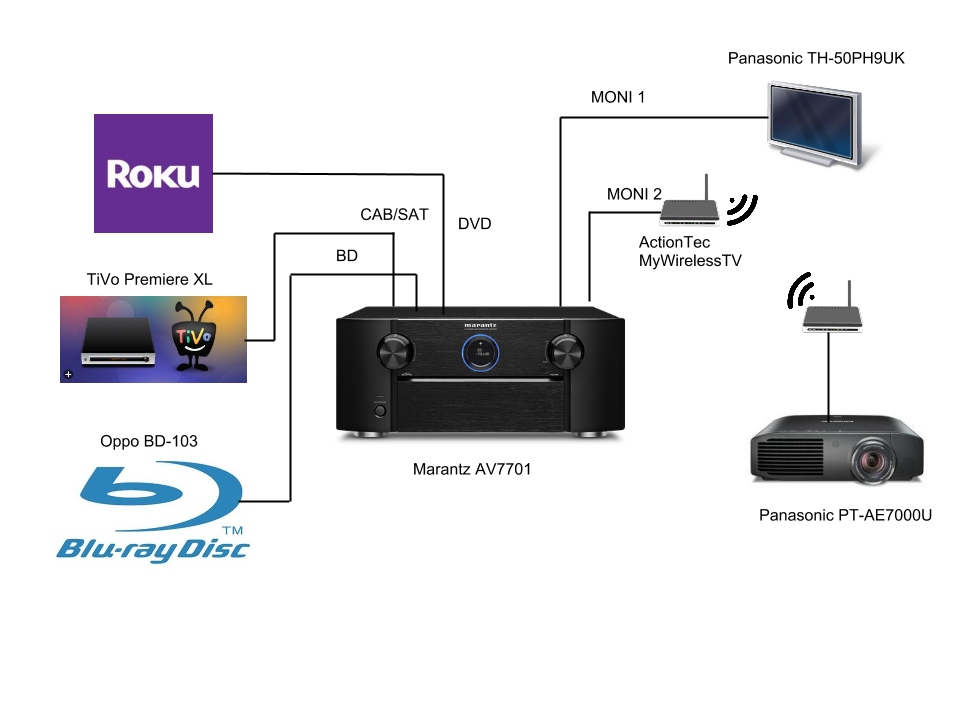
    This diagram shows my original plan for hooking up my home theater:

    Original wiring plan for the home theater.
    Original wiring plan for the home theater.

    My first effort was with an IOGEAR Wireless HD Kit (GW3DHDKIT). My kit turned out to be dead on arrival: the receiver and transmitter would never sync, at any distance from each other. That kit went back to Amazon for a refund.

    I replaced it with an ActionTec MyWirelessTV. This kit gave the appearance of being much more reliable. We actually watched a movie using this system, by connecting the Blu-ray player directly to the MyWirelessTV transmitter.

    But it never worked reliably when routed through the AVR: If I changed sources or cycled through different configurations, it would all fall apart. Indeed there were periods when the transmitter would completely crash and do a reboot. It frequently caused my Roku box to crash completely as well, requiring a power cycle to reset it.

    My first attempt to calm the system was to insert an HDMI splitter. I fed MONI 1 from the receiver to the splitter, and fed its two outputs to the plasma and the MyWirelessTV transmitter. This was no better.

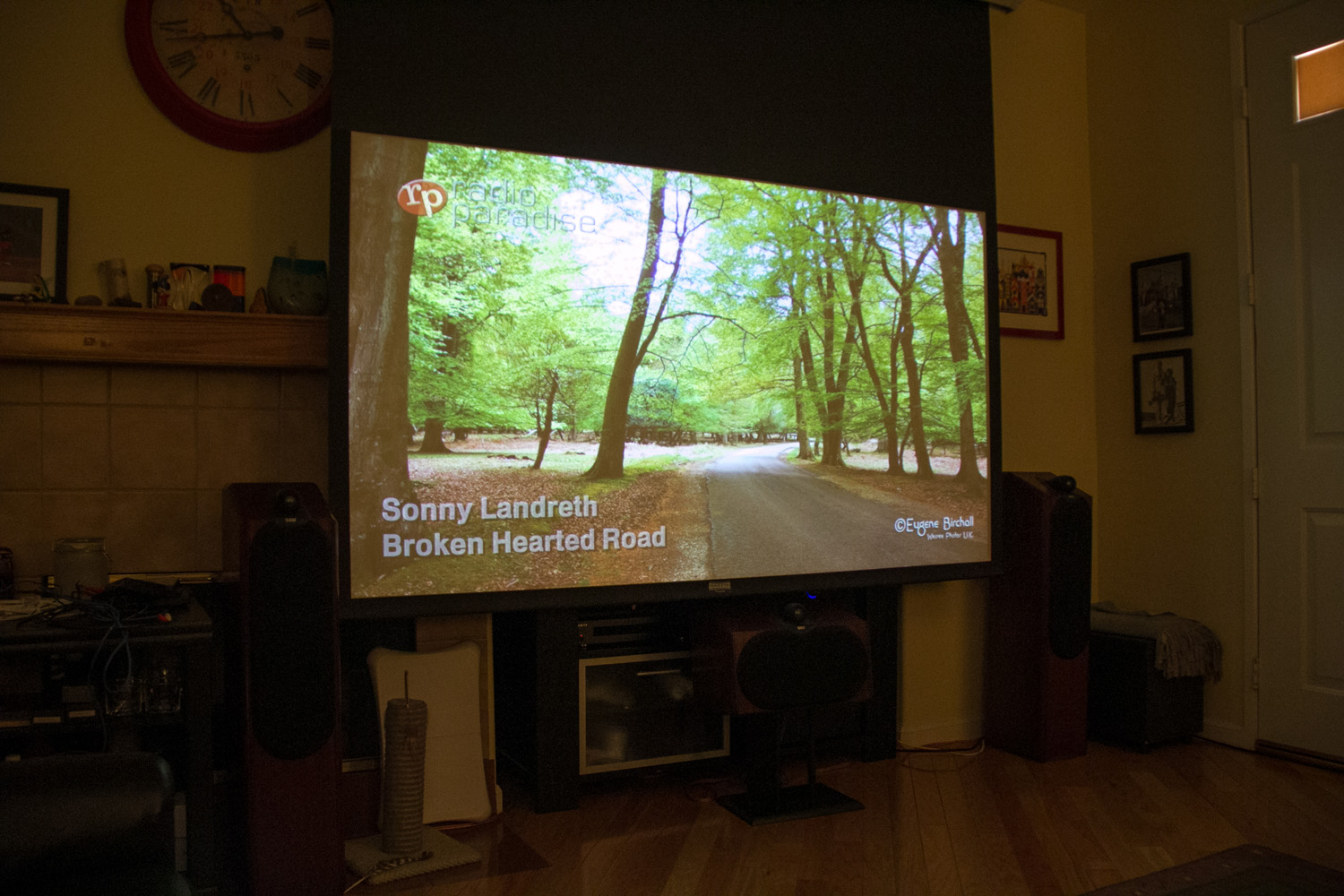
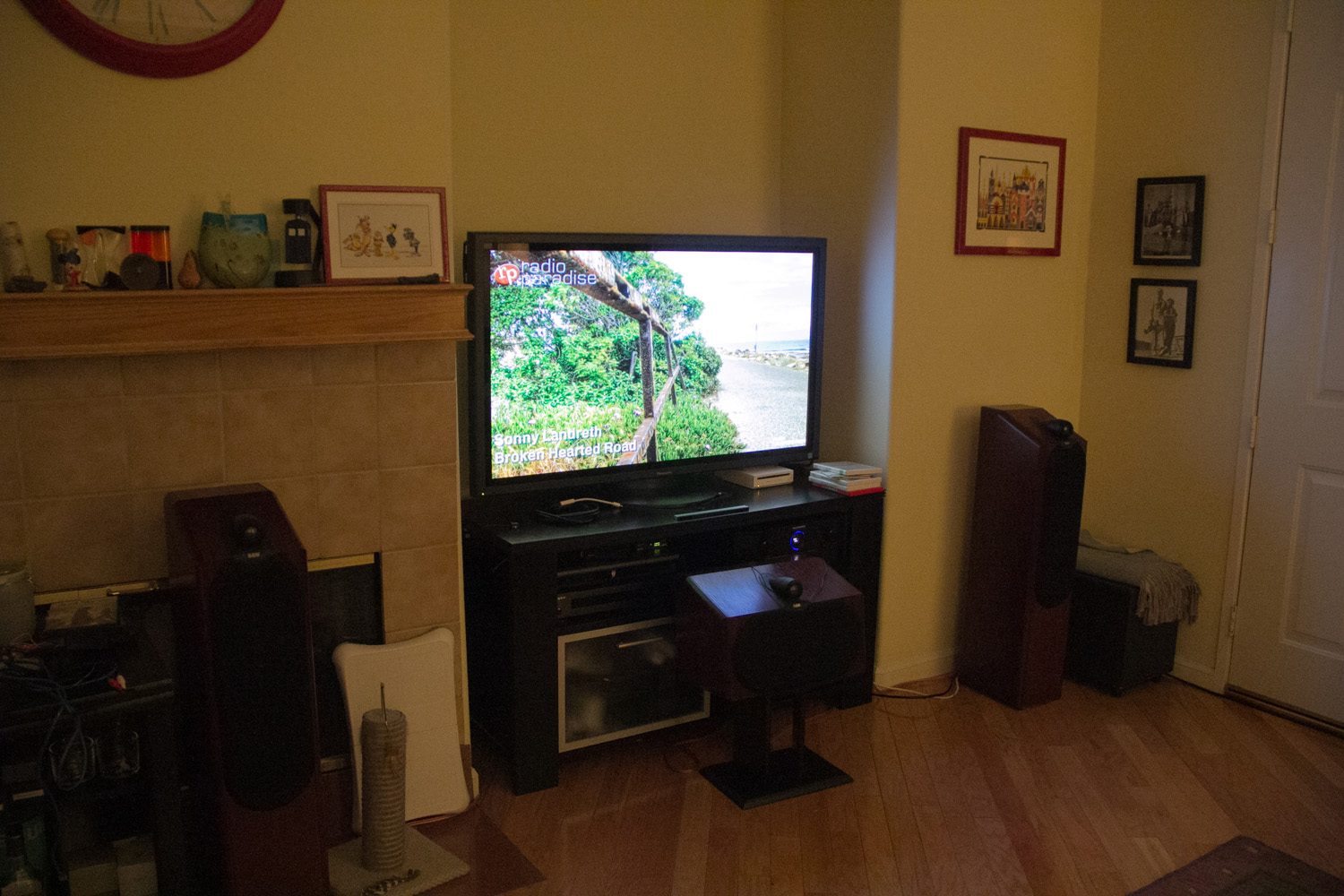
    Mojo's home theater living room.
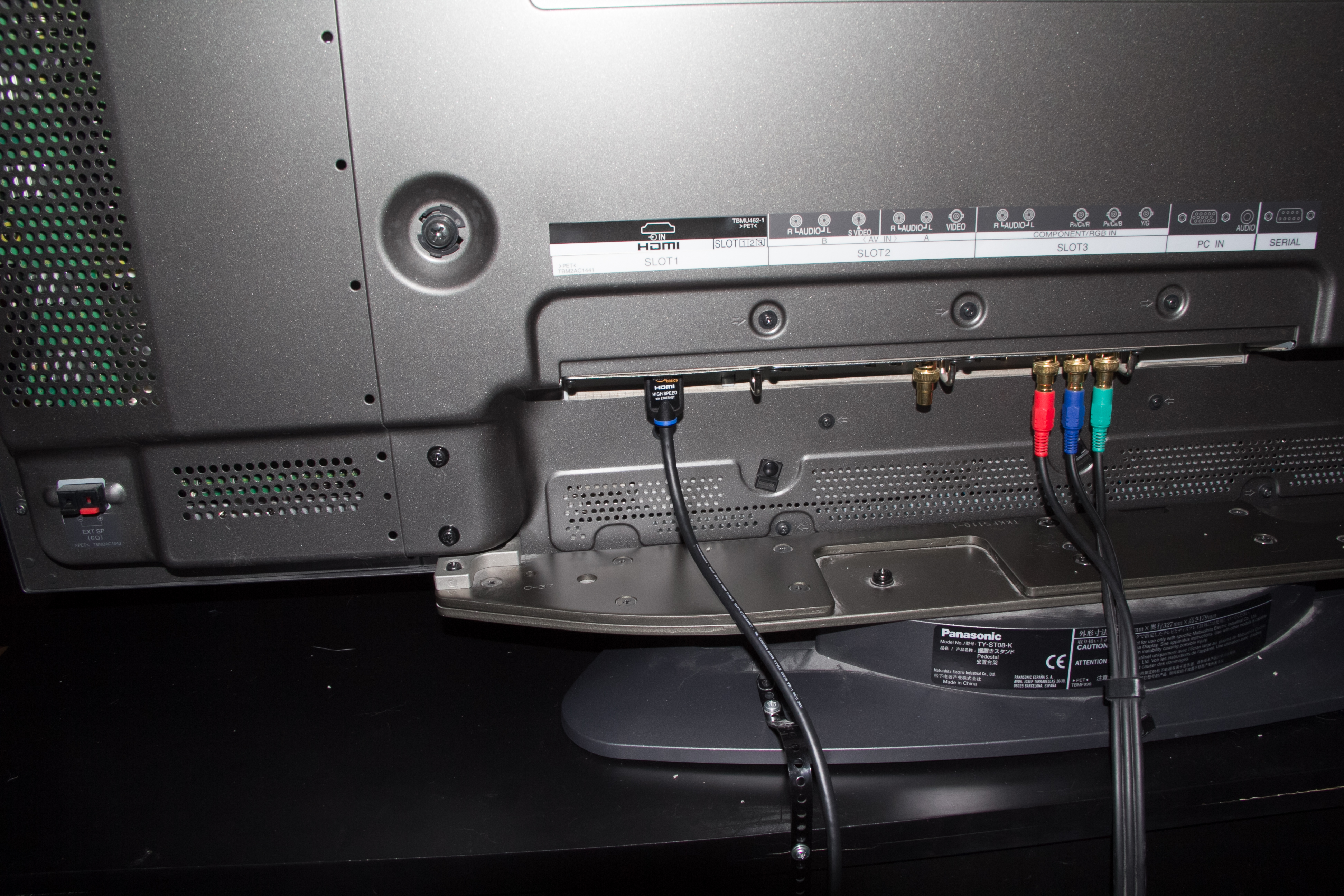
    The living room A/V nook with the 50-inch Panasonic plasma display.

    I acquired a Gefen HDMI Detective on a recommendation from my friend William Phelps. This seemed to be promising: I could use the “detective” to present a stable EDID to the receiver. My study of HDMI technology seemed to support my theory that the constantly changing state of the wireless kit was making the whole system unstable.

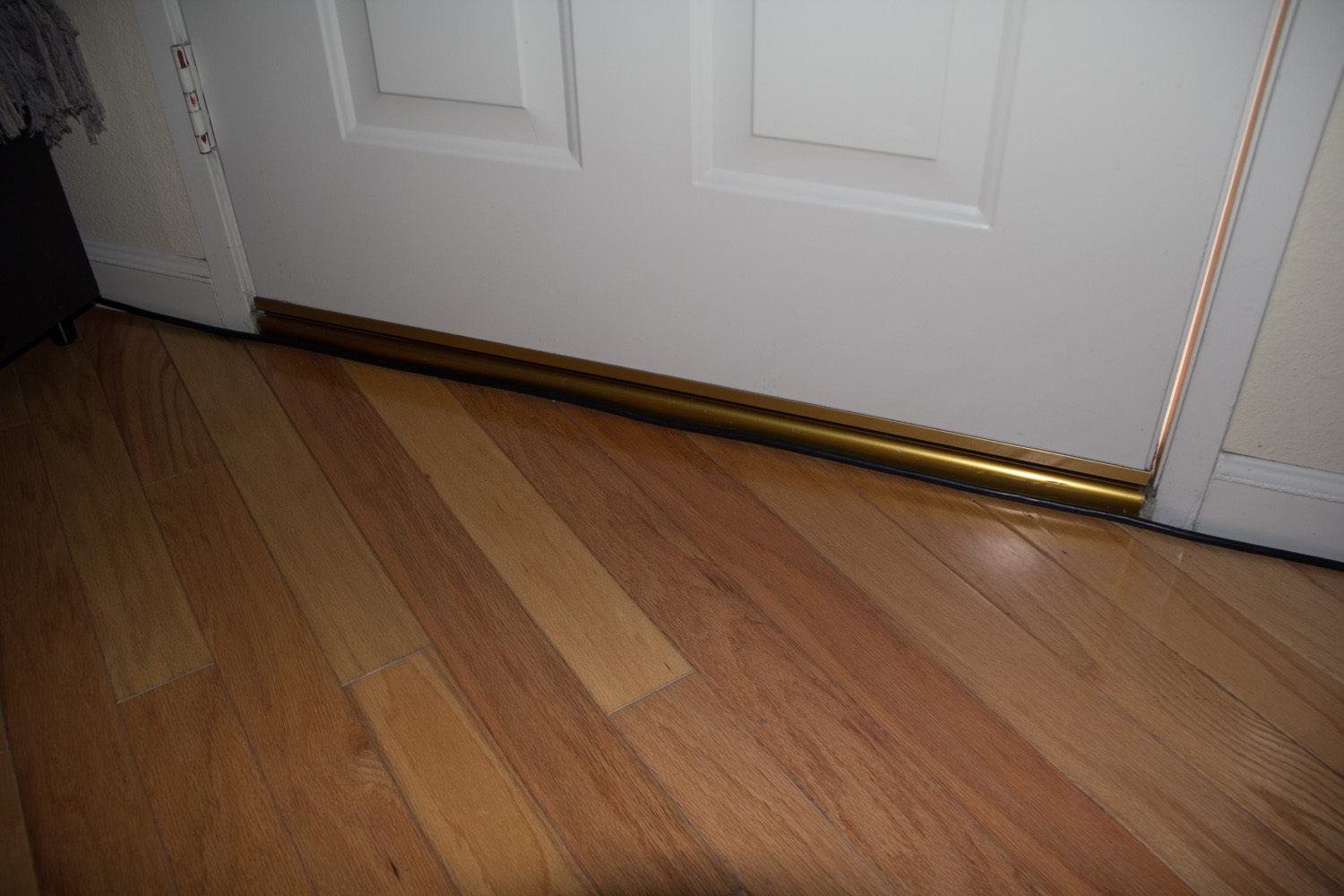
    Then I had a revelation. I noticed that my front door was not flush with the floor of the living room.

    There appeared to be room to run an HDMI cable from the front of my room to the back unobtrusively, without ripping the walls. I guessed at the distance and ordered a 35-foot HDMI cable from Amazon (thanks again Amazon Prime free two-day shipping). Even if it didn’t work out, it would be enough to replace the wireless link for testing.

    Mojo's front door
    Room below the front door to run an HDMI cable.

    I have a perfectly good cable conduit from my AV cabinet to my projector. Why not just use that? When I first built the system, my electrician put 1-1/2-inch conduit in the wall from my A/V nook, up two stories to the attic then down from the attic two stories through the center of the house to my projector mount. In that conduit my installer ran three coax lines for component video, power cable, one cat-5 wire for S-video (remember that?) and one cat-5 for a screen trigger relay. (The conduit is packed tight!) The whole path is about a 75-foot run! For HDMI, that means using some kind of extender, either with two cat-5 cables or a fiber link. I had hoped to cheat with a wireless link. I’m continuing to use the power wire and screen trigger, but may not ever go to the effort of pulling out the unused video cabling.

    I unwrapped my new 35-foot cable and ran it from the projector to the AV cabinet. It turned out to be the perfect length. It rests neatly below the front door. I haven’t yet secured it there, but for the moment it’s staying nestled.

    I ripped out the wireless HD kit, and plugged my new cable into the projector and the splitter. My scientific impulse is to change only one factor at a time and test that, but I defied that impulse this time and decided to rip the splitter out of the system as well. I routed the cable to MONI 2 on the Marantz, and went for broke.

    View with the 92-inch screen down.
    View with the 92-inch screen down.

    To my surprise and delight, every video source worked perfectly with both screens. The Roku didn’t crash. Configuration changes were completely smooth.

    I configured the Blu-ray player to send 1080p video to the projector and the picture was beautiful. I even fed it some 3D video from a Lion King disc. I don’t yet have 3D glasses, but I could see that the picture was going to be perfect.

    I set up the Marantz Audyssey calibration microphone and calibrated the receiver to my room. I put on the Muppets movie from 2011 and enjoyed it in gorgeous 1080p with great audio.

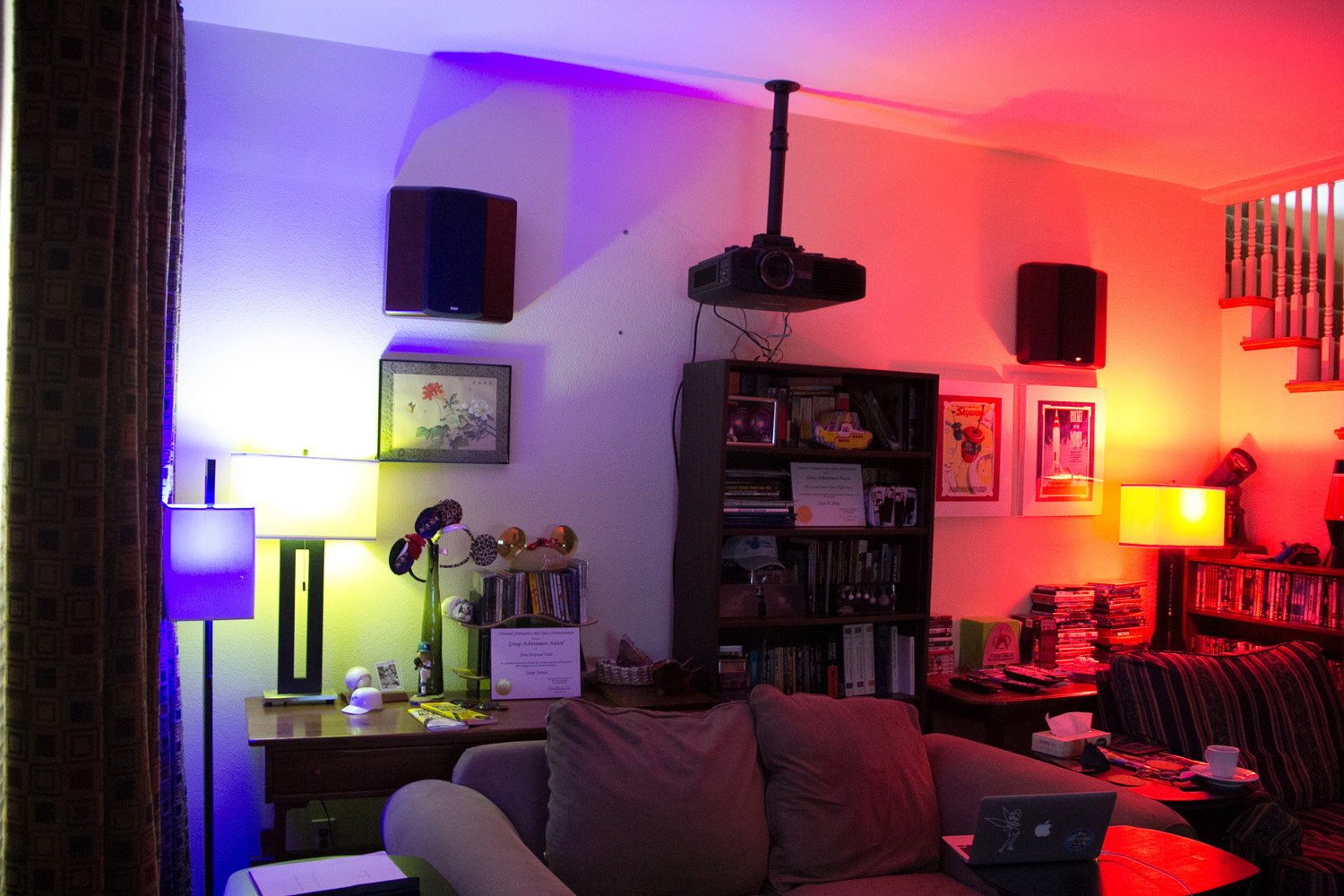
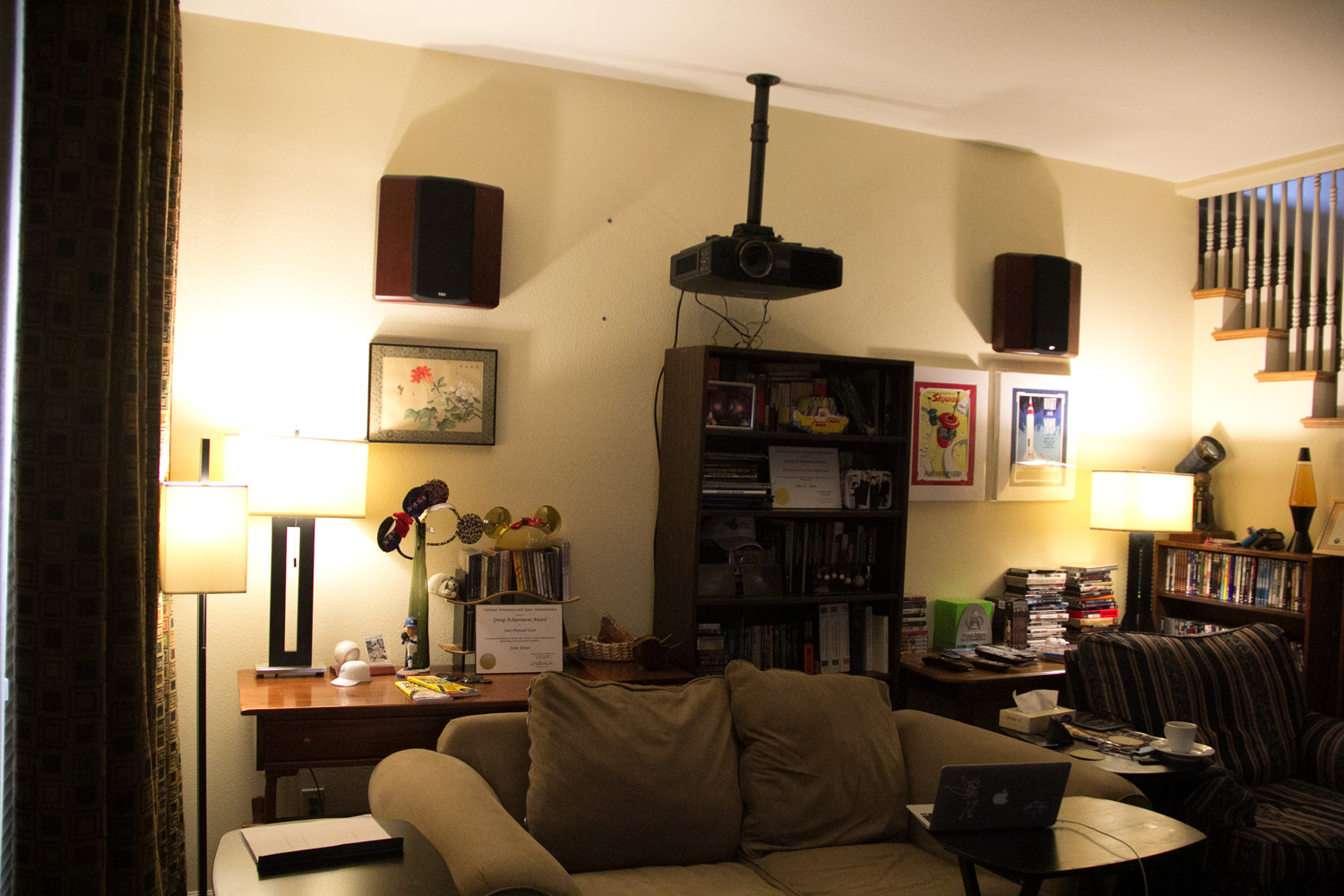
    To complete the upgrade, I installed a set of Philips Hue wireless LED bulbs in our living room lamps. My new Logitech Harmony Ultimate remote control is able to control the bulbs. So now I have programmed lighting for each A/V activity: bright for radio, partial bright for the plasma screen (with one bulb that has a reflection in the screen for me turned off), and fade to dark for the projector.

    Philips Hue demo
    Playing with the Philips Hue light bulbs, doing a colorful array.
    The Philips Hue bulbs in a more natural low color temperature lighting, also showing the projector ceiling mount and surround speakers.
    The Philips Hue bulbs in a more natural low color temperature lighting, also showing the projector ceiling mount and surround speakers.

    The final irony is that the Philips Hue bulbs are the single most impressive part of the whole upgrade. Still, the whole package looks and sounds great, and is dead simple to operate. Mission accomplished.

  • Home theater upgrade story (Part 1)

    Old system:

    • Rotel RSX-1065 receiver
    • Panasonic TH-50P9UK plasma display
    • Old Pioneer DVD player
    • InFocus ScreenPlay 5700 projector
    • Roku
    • B&W CDM7NT 5.1 system, with broken tweeters on the front mains
    • Logitech Harmony One universal remote

    Why upgrade?

    The Rotel receiver has annoyed me for years with its few seconds of silence after mode switches (like Dolby Digital to PCM during a TV broadcast). It’s volume behavior was bothersome, with no way to compensate for different levels between sources. It’s old and has had one small power supply component fail (at the time I decided to have it repaired rather than replaced). A new one would offer HDMI switching and scaling.

    The InFocus projector was old and growing dim, and did not support any HD formats. It looks good for DVDs. The long component video (YPrPb) run to the projector makes for a difficult color balance.

    The Panasonic plasma display still looks great, and supports 720p HD, but it didn’t have an HDMI input port, necessary for things like Blu-ray Disc.

    The Logitech remote was working fine, but its display screen has deteriorated.

    I thought HDMI would reduce my nest of cables by eliminating a lot of component video and digital audio cables, plus a projector upgrade would give us true HD (even 3D) for movies.

    B&W tweeters
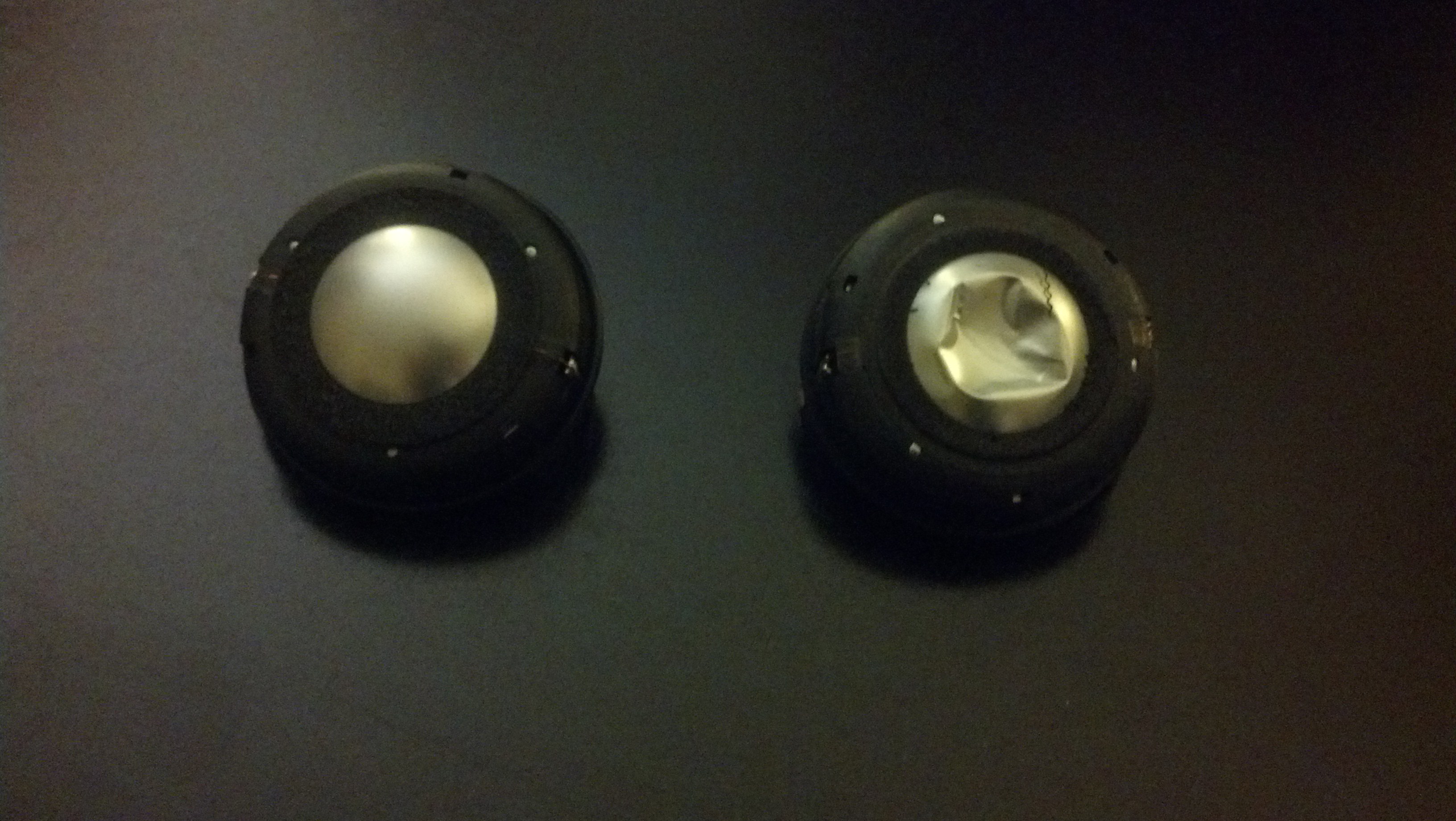
    New B&W tweeter on the left, with the crunched one it’s replacing.

    Step 1: Fix the tweeters

    B&W does a pretty good job with a USA parts and service company. The tweeters on these speakers live in a little nodule at the top of the tower. New ones were moderately easy to plug in, though after several years getting the tweeter housing open and back together took quite a bit of force.

    Step 2: Add HDMI to the plasma

    My Panasonic plasma screen was made in January 2007, and long since discontinued. When I purchased it, I never bought the optional HDMI terminal card, since I couldn’t route HDMI. I was concerned that the add-on board would be “unobtainium” as well. It turned out to be available and in stock at amazon.com.

    Installing the card was definitely a two-man job. I roped my friend Preston into spending a couple of hours with me moving stuff around. We got the plasma display off its base, and the terminal card installed with no great effort. Yay!

    Step 3: Reciever upgrade

    I decided to go with separates: Outlaw Audio’s Model 7500 power amp looked solid and had great reviews, plus it’s priced quite a bit below its peers. I’m thinking that this power amp may be the last one I ever buy. It should live forever even when I replace preamp/preprocessor units.

    Installing new A/V gear
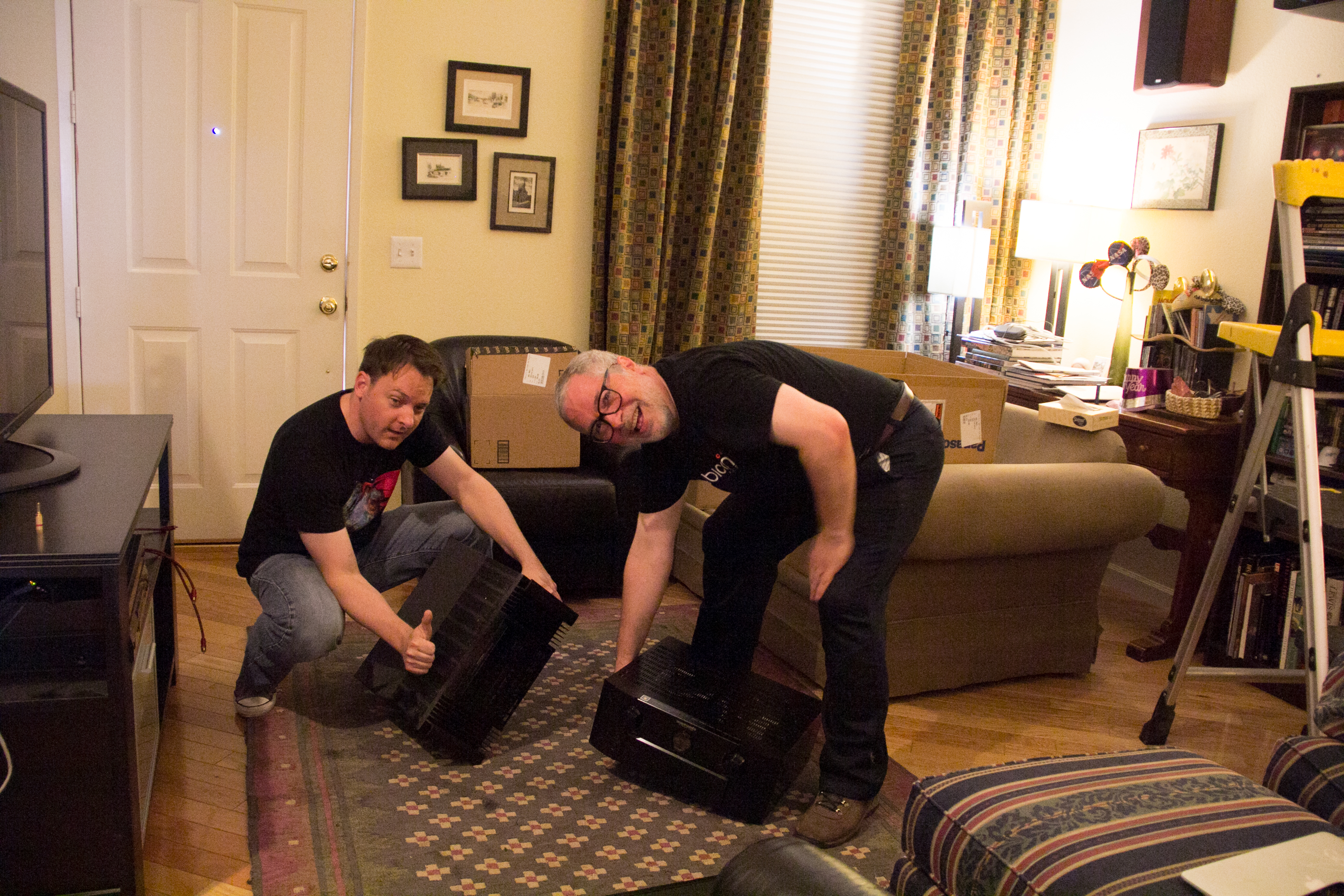
    Preston and Mojo show off the new audio separates, ready to go into the A/V cabinet.

    For a pre/pro, Outlaw also had a good deal on the Marantz AV7005. It had great reviews and all of the inputs and setup I needed.

    With Preston’s help, we wrangled the power amp into a nice spot on the bottom of the A/V cabinet.

    Problem 1: Buzzzz

    I had ordered a set of five balanced audio cables with XLR connectors from Outlaw along with the power amp and receiver, 0.5 meter each. Oops! No chance they would reach through the holes in my A/V cabinet. They’re really only useful if you can physically stack the pre/pro on top of the power amp.

    So my fallback was to use some of my now-unneeded RCA interconnects and use the unbalanced audio connectors on each unit.

    Sometimes that worked. If I held the interconnects just the right way, I wouldn’t get a ground-loop buzz. Well that’s stupid! That’s exactly the problem that balanced interconnects solves so elegantly.

    So where to find five interconnect cables long enough to connect the pre/pro to the amp? This is not a mass-market item.

    It finally occurred to me that Fry’s Electronics might have the connectors and wire and I could make my own interconnects. (I’d already struck out at Radio Shack on XLR connectors.) Indeed Fry’s had male and female XLR connectors, and enough stock for me to buy five of each. But finding two-conductor shielded cable at Fry’s was hopeless.
    Electronic work
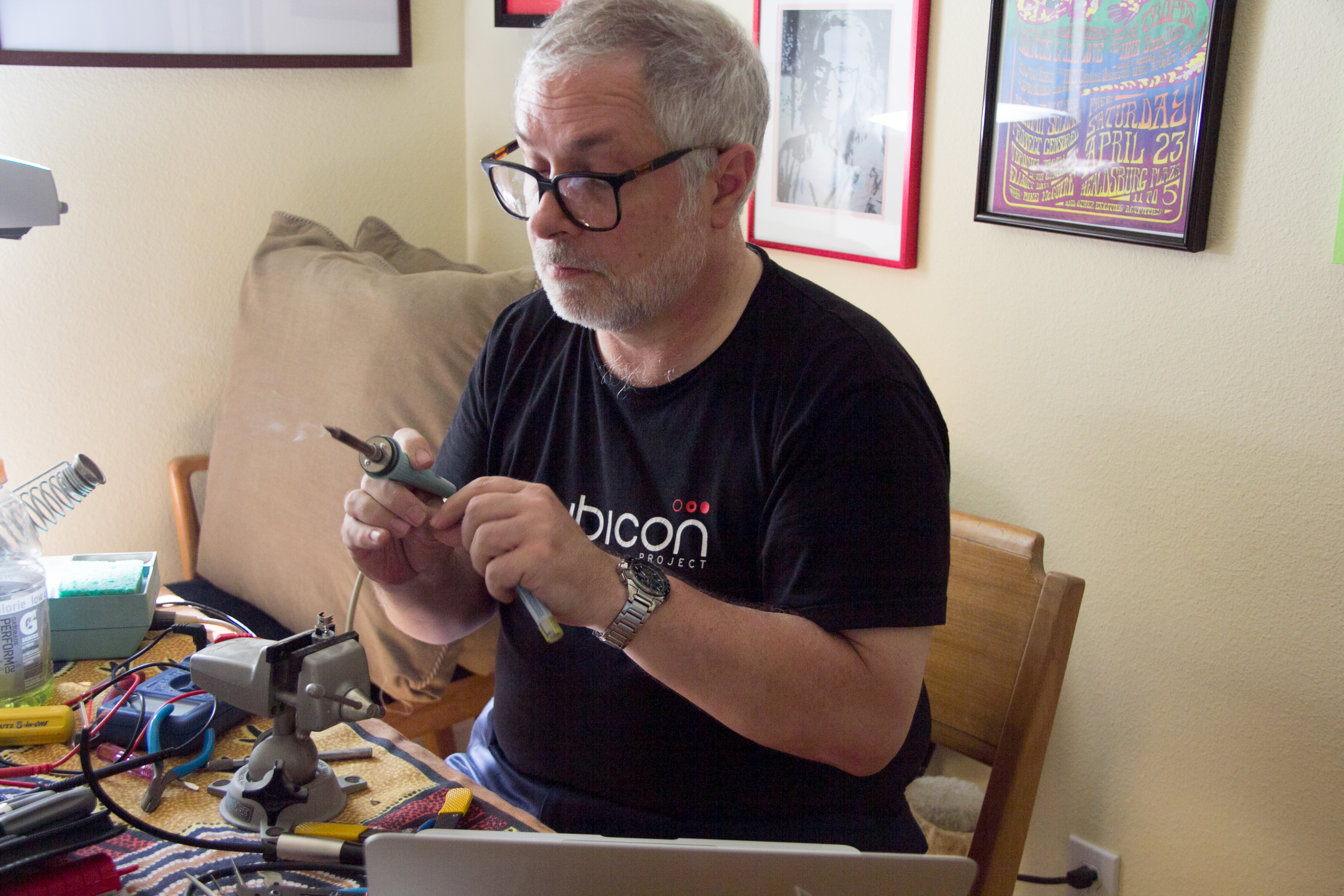
    Mojo making XLR balanced audio cables out of a 25-foot microphone cable and XLR connectors.

    Indeed, back to Radio Shack, where they didn’t have two-conductor shielded cable either. But they did have a 25-foot microphone cable, with a male XLR on one end, and female XLR on the other! In my devious mind, I would cut that cable into five 5-foot sections, and build five balanced interconnects. I could even reuse the existing connectors on each end of the microphone cable.

    The interconnects work beautifully. No buzz, easy routing, positive connections.

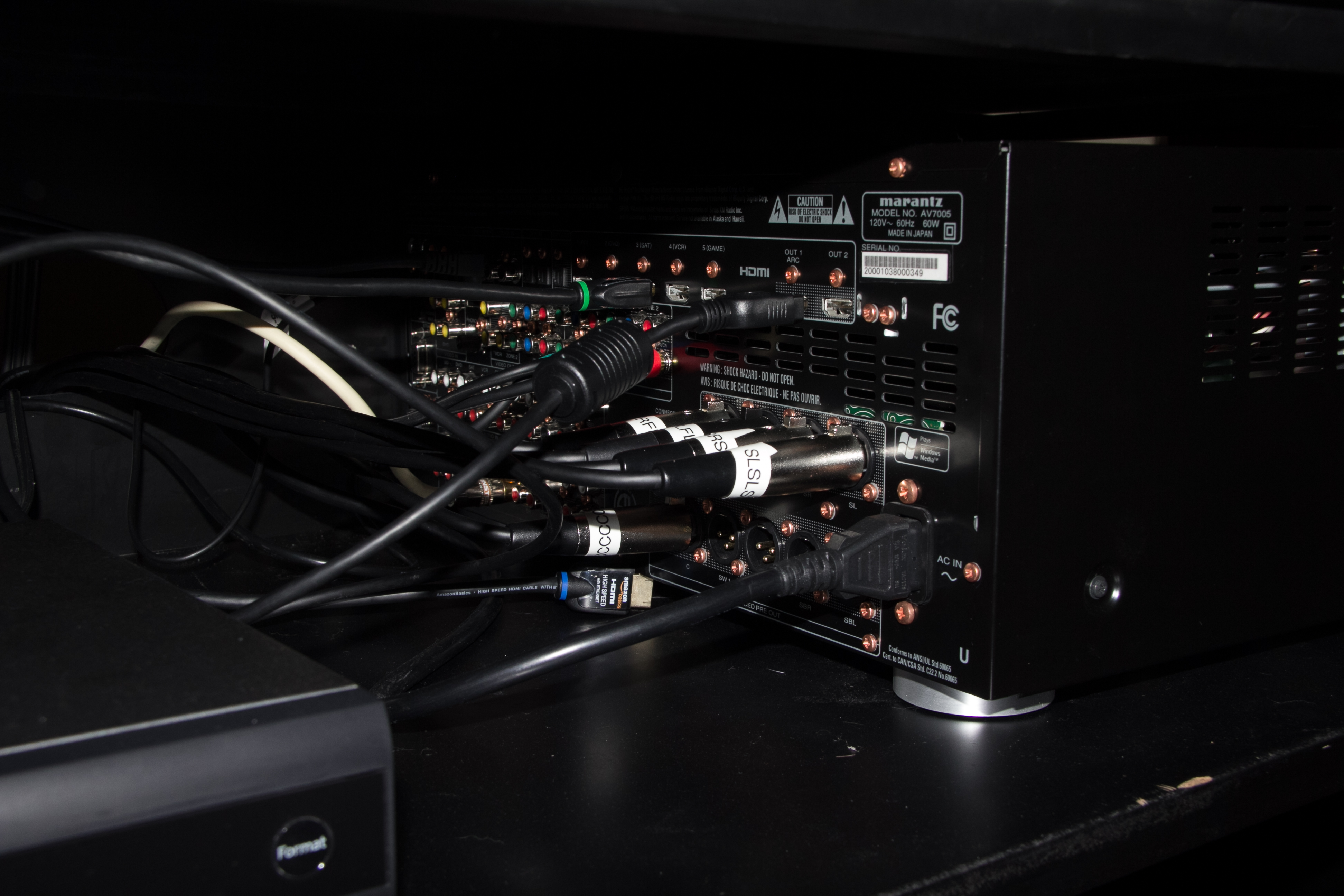
    AV7005 interconnects
    The AVR side of my homebrew balanced interconnects.

    A word of warning: Outlaw Audio agreed to take a return of the five balanced audio interconnects, but stated that their policy doesn’t allow cable returns. Be careful when ordering cable from Outlaw!

    Now with audio connected, time to plug in the plasma and check out the receiver’s setup menu.

    Problem 2: No video!

    I hooked up the new plasma HDMI terminal to HDMI “monitor 1” output on the AVR, and was rewarded with … nothing. The screen remained black, though it would flash with changes, and indicate signal present. Connecting the HDMI cable directly to the TiVo gave me a fine picture.

    HDMI terminal card
    New HDMI terminal goes into slot 1 of the Panasonic TH-50P9UK plasma display.

    AVS Forum has been a great source of advice during the process. After attempting an “HDCP Reset,” I found that I could get video from the TiVo, through the AVR, to the plasma, at startup, for about one minute — even with the AV7005 menu superimposed nicely. After that, the display goes back to black and stays there.

    I’m quickly learning that HDMI is not the promised land I had hoped! Compatibility is a serious problem between sources, switches, repeaters, and sinks. Some experts have found ways of working around some of these problems by using switches and tricking the sources into seeing a different EDID (I’m guessing that’s Effective Device ID).

    I’m still working this problem, and this post is already way too long. I’ll continue my trials and tribulations in new posts.

    Update: Saturday evening, everything points to the Marantz receiver as having trouble outputting HDMI signals.

    I started out with an IOGEAR Wireless HD kit (GW3DHDKIT) to get video to the projector. The transmitter and receiver would never sync with each other. I ran out to Best Buy for a replacement, and ended up with a different brand instead: an ActionTec MyWirelessTV. It’s working beautifully.

    With my three sources, I can send HDMI video with no problem to either the plasma display or the projector via the wireless link. If the receiver is in the middle, all I get are black screens.

    I’ll post here how my dealings with Outlaw and Marantz go. If I have to return the receiver for service, that’s kind of a big deal!

    (Continue to part 2 here.)
  • April Observing: Supernova and a Comet

    The weather forecast for our favorite spot, Amboy Crater, called for decent conditions but high winds. (Why do we care about the wind? Here are four reasons I can think of: simple comfort, blowing charts and equipment, maintaining a target in a telescope, and blowing dust.)
    The best forecast in the area was at our old favorite spot in the Colorado Desert south of Joshua Tree National Park, an area of BLM land below Chuckwalla Mountain called Chuckwalla Bench. We had mostly abandoned Chuckwalla Bench because the unmaintained dirt road (Red Cloud Mine Rd.) was getting a bit treacherous. Someone suggested a different road, following a nearby train track, that got us to the same observing spot a lot more reliably.

    Conditions seemed near perfect, with calm to light winds, clear skies, comfortable temperatures, and pretty good seeing. The nighttime temperatures may have dipped a bit below 60 degrees F, but not a lot.

    Jane had our 14.5-inch dob, and reported that visual observing conditions were quite excellent. Her report is fabulous, and I wish I’d tried for those low southern objects! The Chuckwalla Bench location does have a light dome to the south, but nothing ventured …. [Read Jane’s report here.]

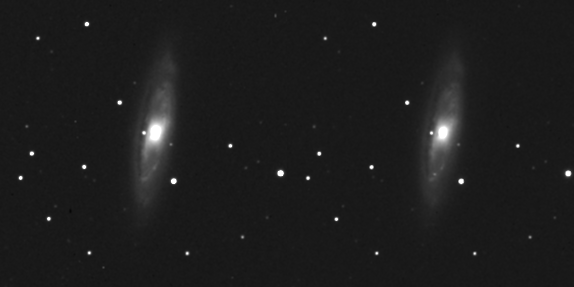
    I started with a galaxy in Leo that I shot last month, M65. Since shooting it last month, a supernova was discovered in the galaxy. I did one 15-minute exposure, and had fun today making a “blink comparitor” animation. Can you see the supernova?

    m65-sn2013am
    Two images of M65, one shot on 3/9/13, one shot on 4/6/13.

    At the end of the post, I’ll mark where it is. 🙂

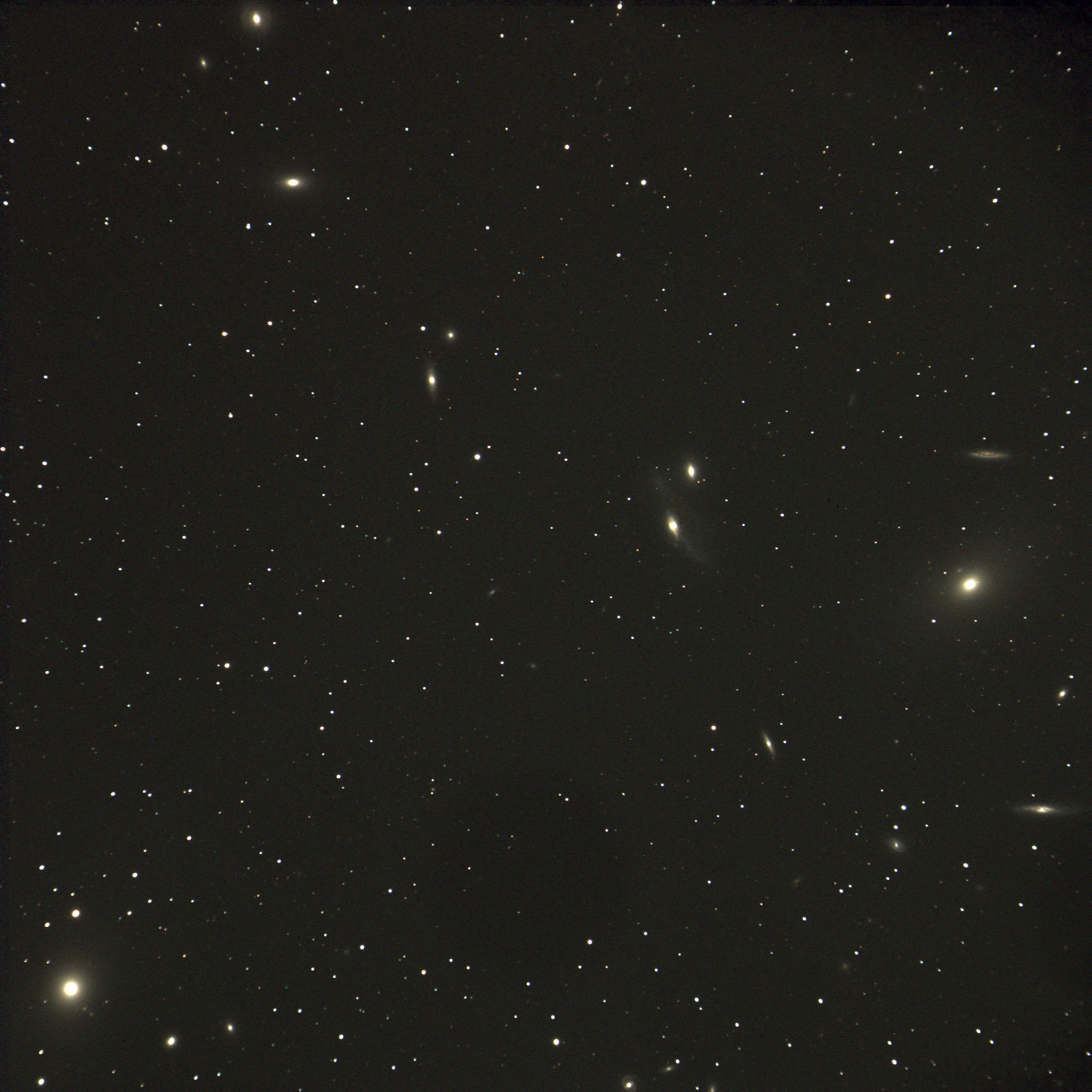
    Being spring, I wanted to collect some galaxies. I started with a string of galaxies in the nearby Virgo cluster, called Markarian’s Chain. The chain extends from the middle-right of the image, to the left and upward. In the lower left corner is giant elliptical galaxy M87.

    markarians-chain
    A portion of Markarian’s Chain in Virgo, with giant M87 in the lower left

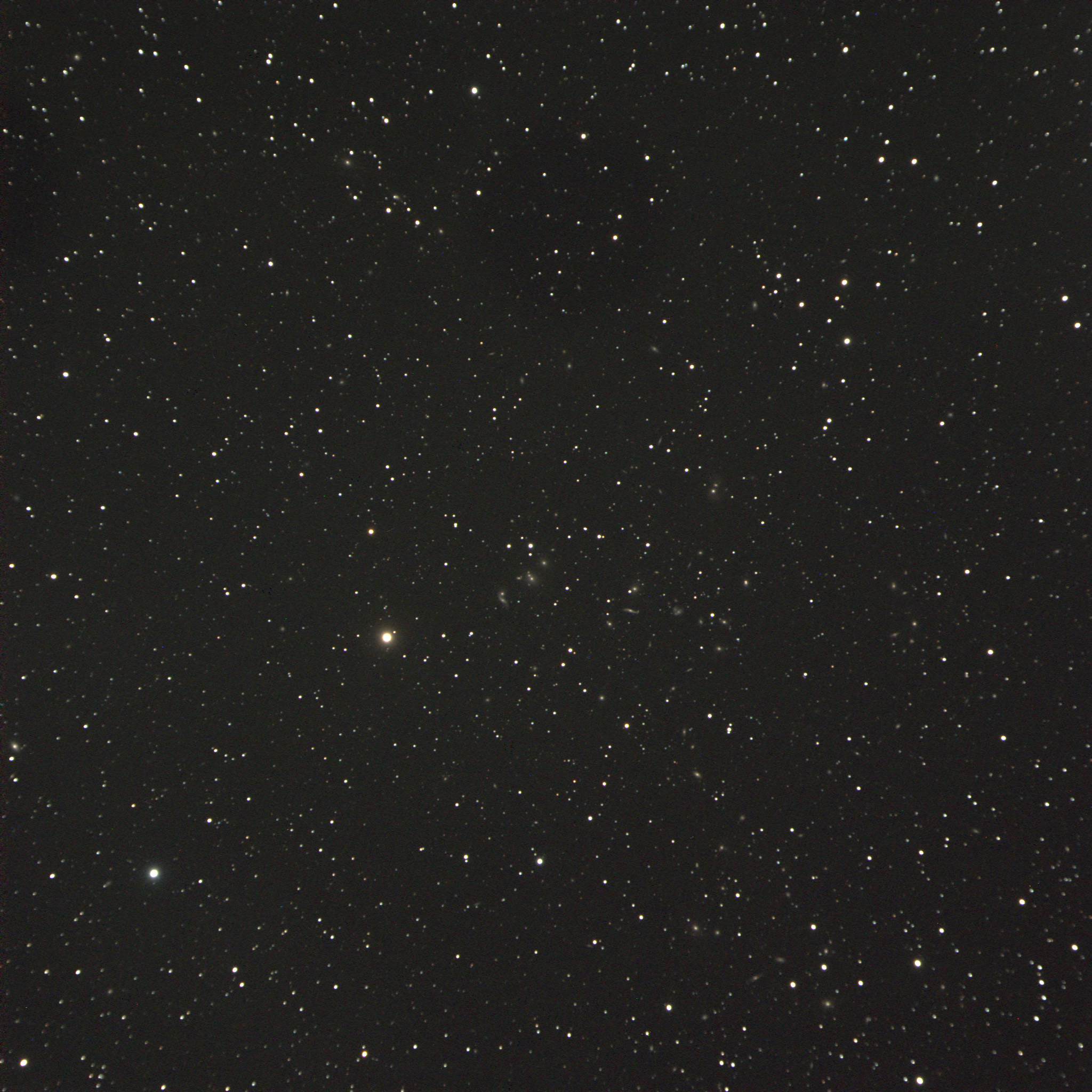
    Then I wanted to try for something a little more distant, and did 45 minutes on a remote galaxy cluster with the catalog number of Abell 2151, found in the constellation of Hercules. This is a group of about 200 galaxies some 500 million light years distant.

    Abell 2151
    Galaxy cluster in Hercules known as Abell 2151. This compact view doesn’t show them well, but click on the image for full resolution, and pan around to see if you can find some distant spirals.

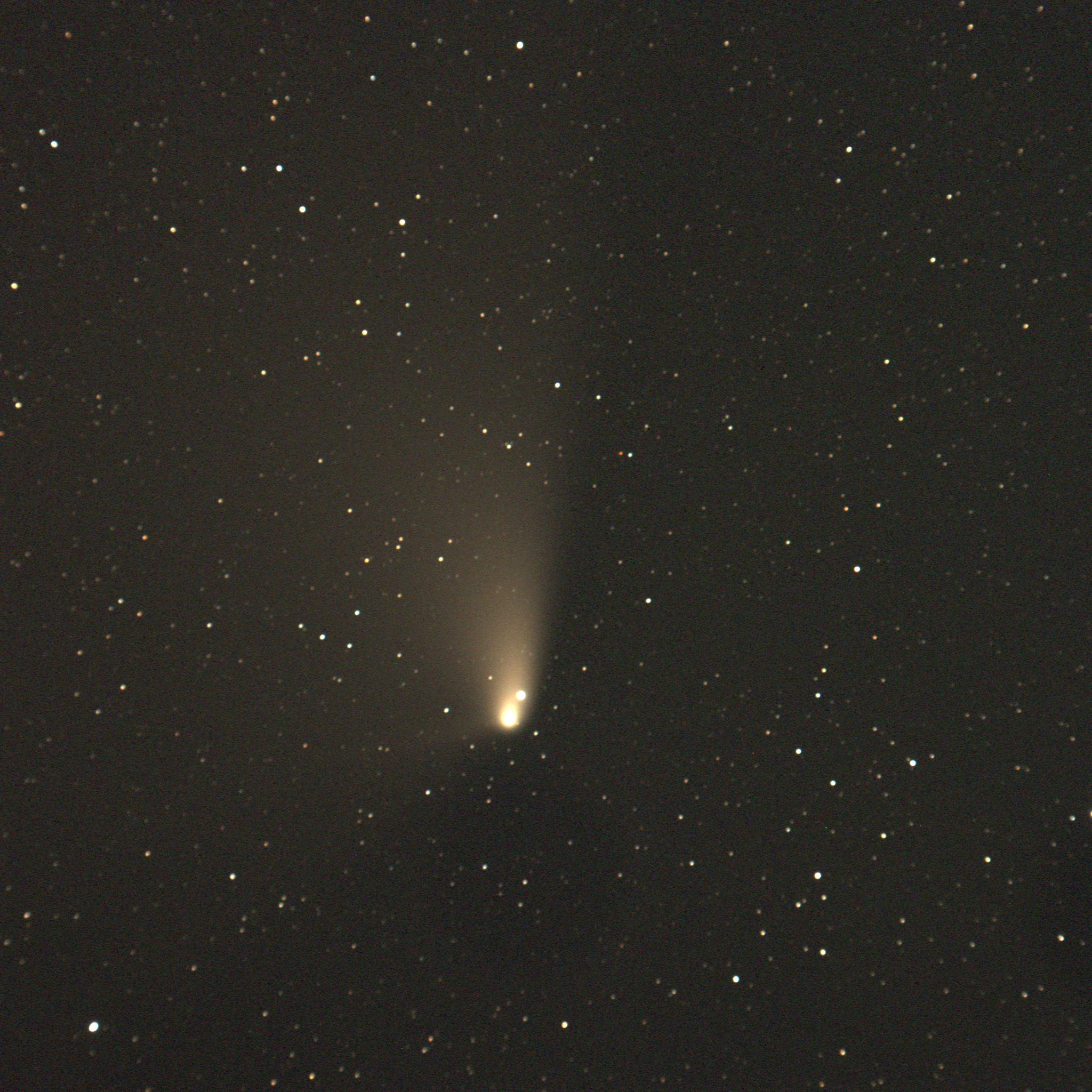
    Finally comet C/2011 L4 (PANSTARRS) has been moving toward the north celestial pole, and right now it’s easier to catch before dawn than after sunset. After napping for a while, we found the comet at about 4:00 a.m. Here’s my first five-minute exposure.

    Comet C/2011 L4 (PANSTARRS)
    Comet C/2011 L4 (PANSTARRS) shot before dawn on 4/7/13, five-minute exposure

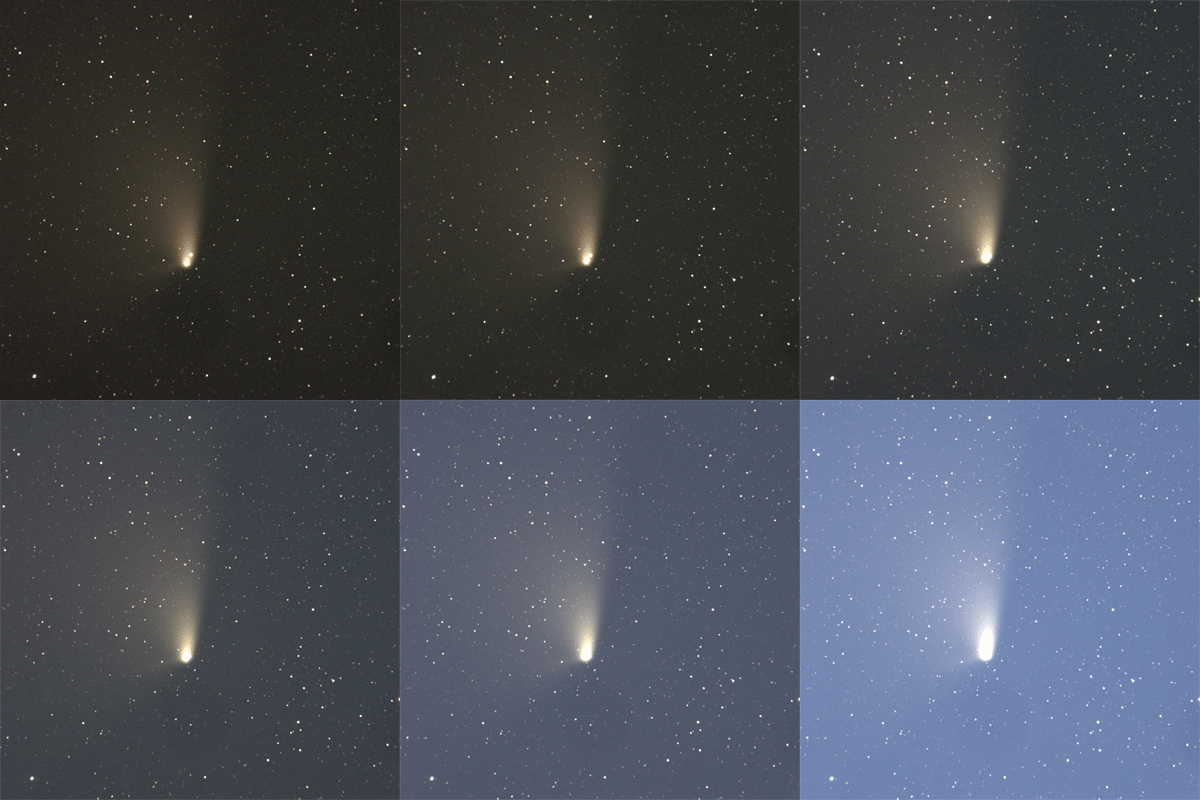
    I did a series of several 5-minute exposures, and stitched them into a GIF animation. If you look carefully, you can see the motion of the comet against the background stars. The other rather obvious feature is the coming dawn light as the sky turns brighter and very blue. 🙂

    Comet PANSTARRS animation
    Comet PANSTARRS moves slightly against the background stars, as dawn arrives at Chuckwalla Bench.

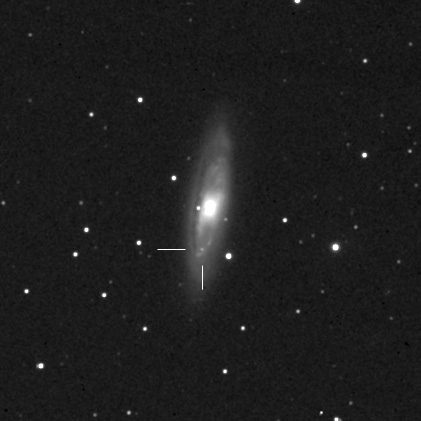
    And finally, if you didn’t find the supernova in my “blink” animation above, it’s marked for you here.

    SN2013am
    M65 with supernova 2013am taken 4/6/13

    If you follow us on Twitter or Facebook, you know that we finally replaced our intrepid green 1998 Dodge Grand Caravan with a new-to-us 2012 Grand Caravan. We purchased it from Carmax with 5,200 miles on the odometer, and this was its first official astronomy outing. Carmax disclosed that the previous owner used it in “fleet” operations.

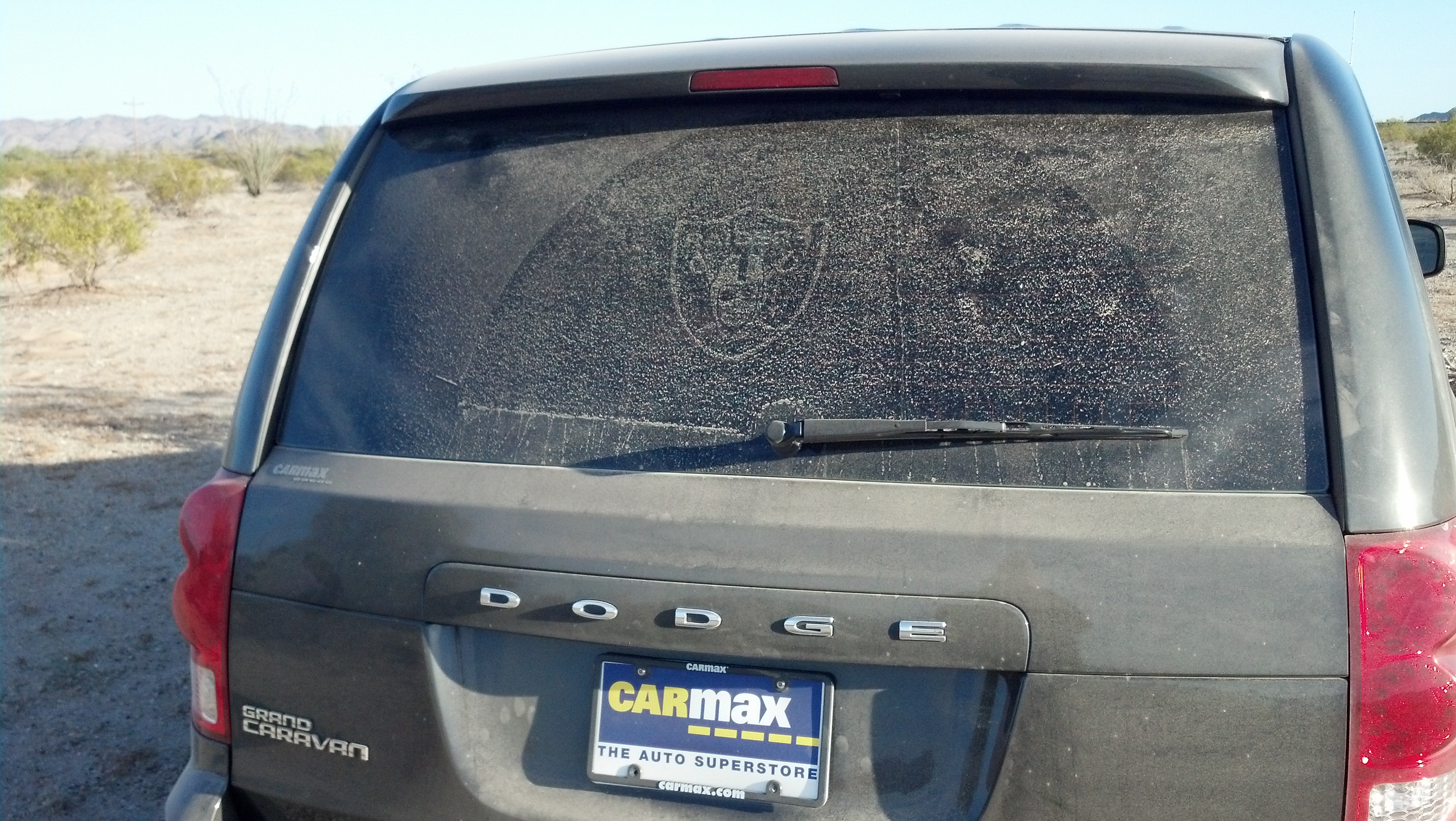
    Of course the van was pristine when we took possession, but the molecular residue of some adhesives may never vanish, though invisible on ordinary glass. After two miles of dusty dirt road in Chuckwalla Bench, I said to Jane, “I know who the van’s first owner was!” This is what I saw on the back window of Earl the Grey Caravan.

    Dust pattern in car window.
    Earl, our grey Caravan, reveals his previous owner in the dust pattern on the rear window.
  • Finally some observing weather

    See Jane’s observing report from the same evening — some great binocular observing with Kemble’s Cascade.

    IMG_0890
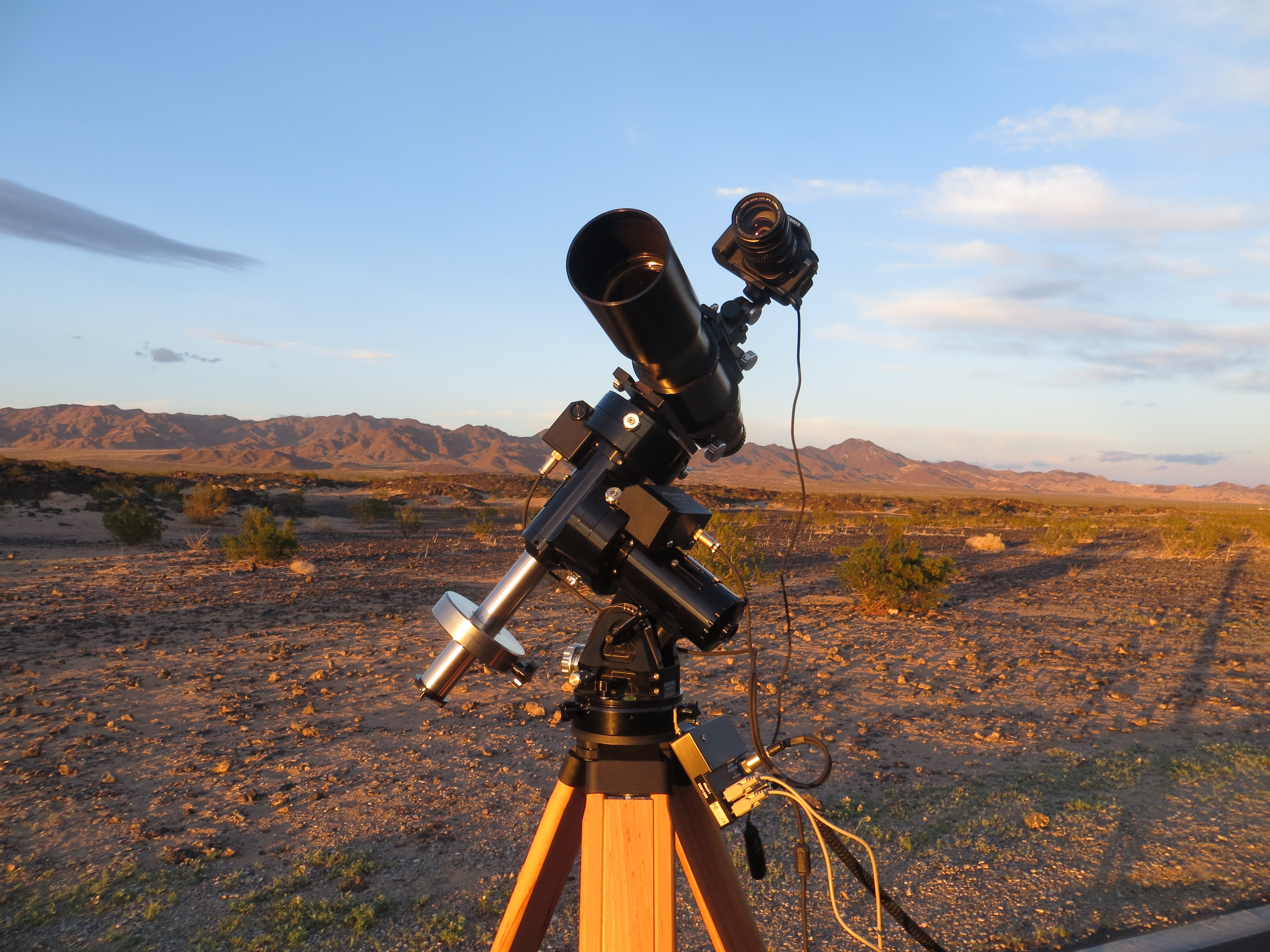
    The 20D mounted piggyback on the Traveler and Mach One GTO mount, hoping to catch comet PANSTARRS on its first opportunity.

    Several months ago, David Green of the Santa Clarita Valley Photographers Association invited me to give a talk on astrophotography in March.

    I thought, “No problem! We’ll have several dark sky weekends between now and then for me to get some photos and screen captures, and I’ll have a fine talk.”

    Famous last words! I must have jinxed the weather. But my luck turned just in time to get out with Jane on March 9 for some dark sky observing and astrophotography at Amboy Crater.

    This trip would be the last remote observing session for our not-so-trusty Dodge Grand Caravan. It had been plagued with electrical troubles for the past several months, and on this trip it started behaving erratically on the climb up the Cajon pass on I-15. We opted to brave the possibility of being stranded, and carried on to Amboy Crater. Luckily everyone survived the trip!

    IMG_6204
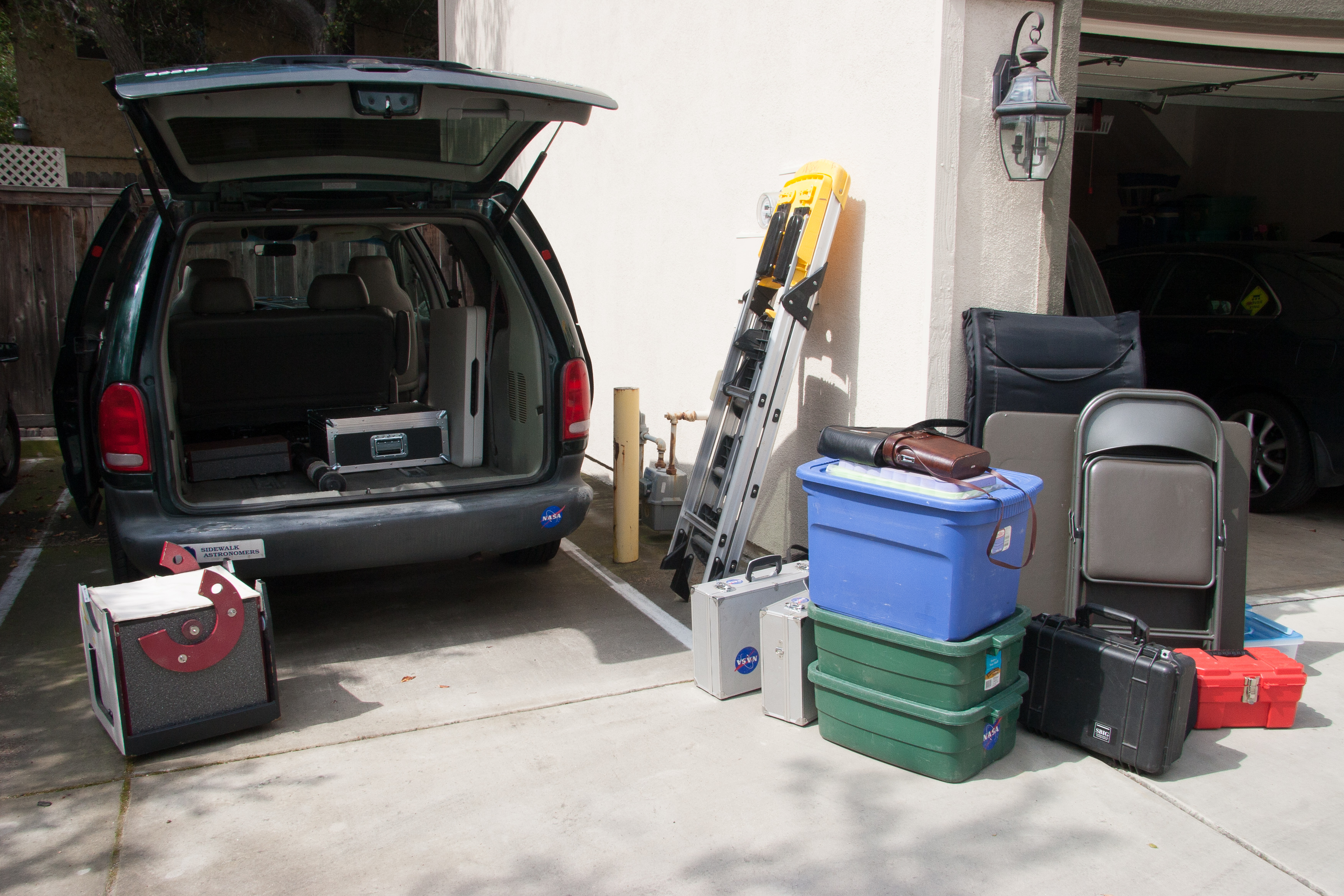
    Getting everything staged to load into the van.
    IMG_6207
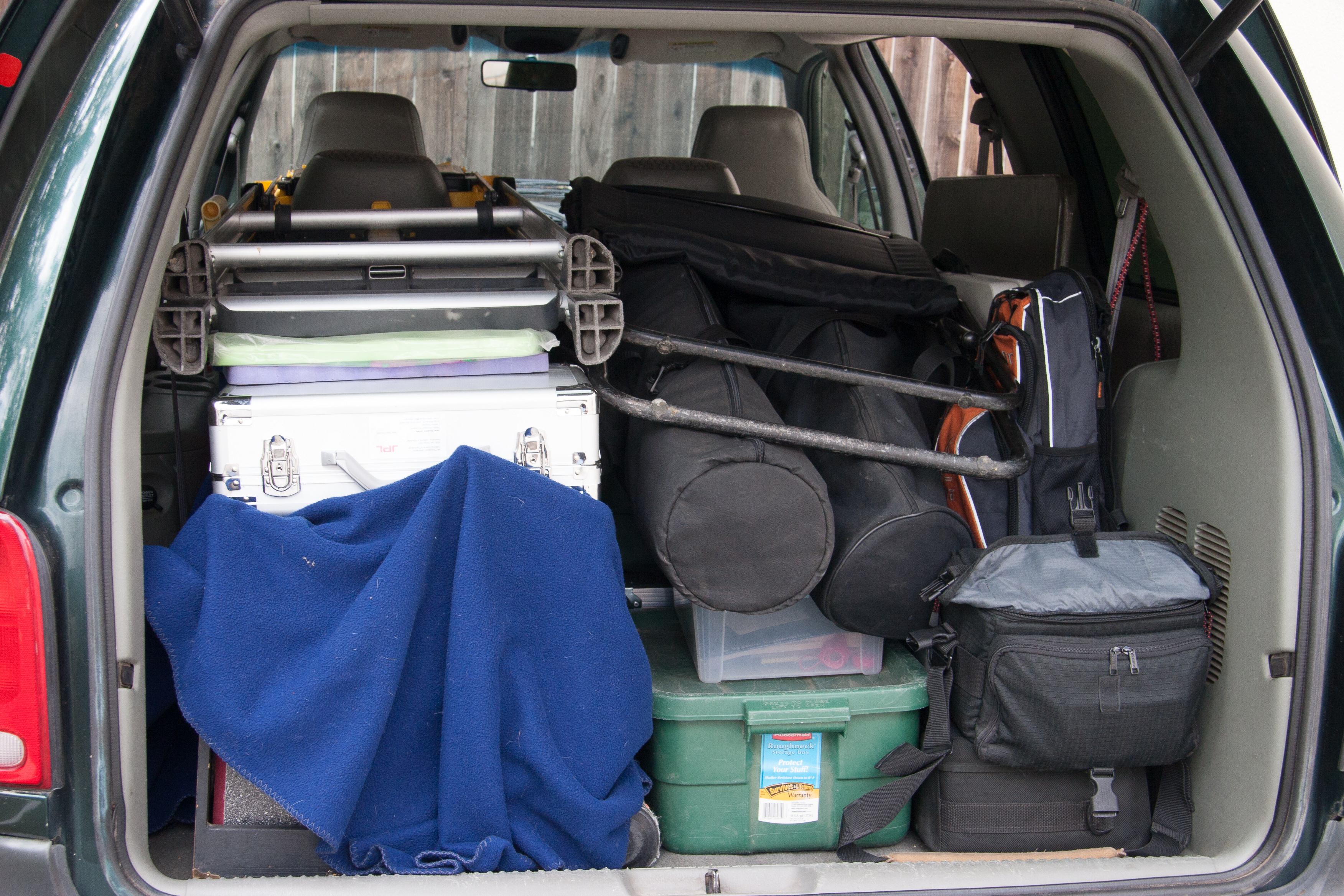
    Astro-pack


    Our first hope was for a shot of comet PANSTARRS in its first opportunity on the northern portion of its pass through the system.

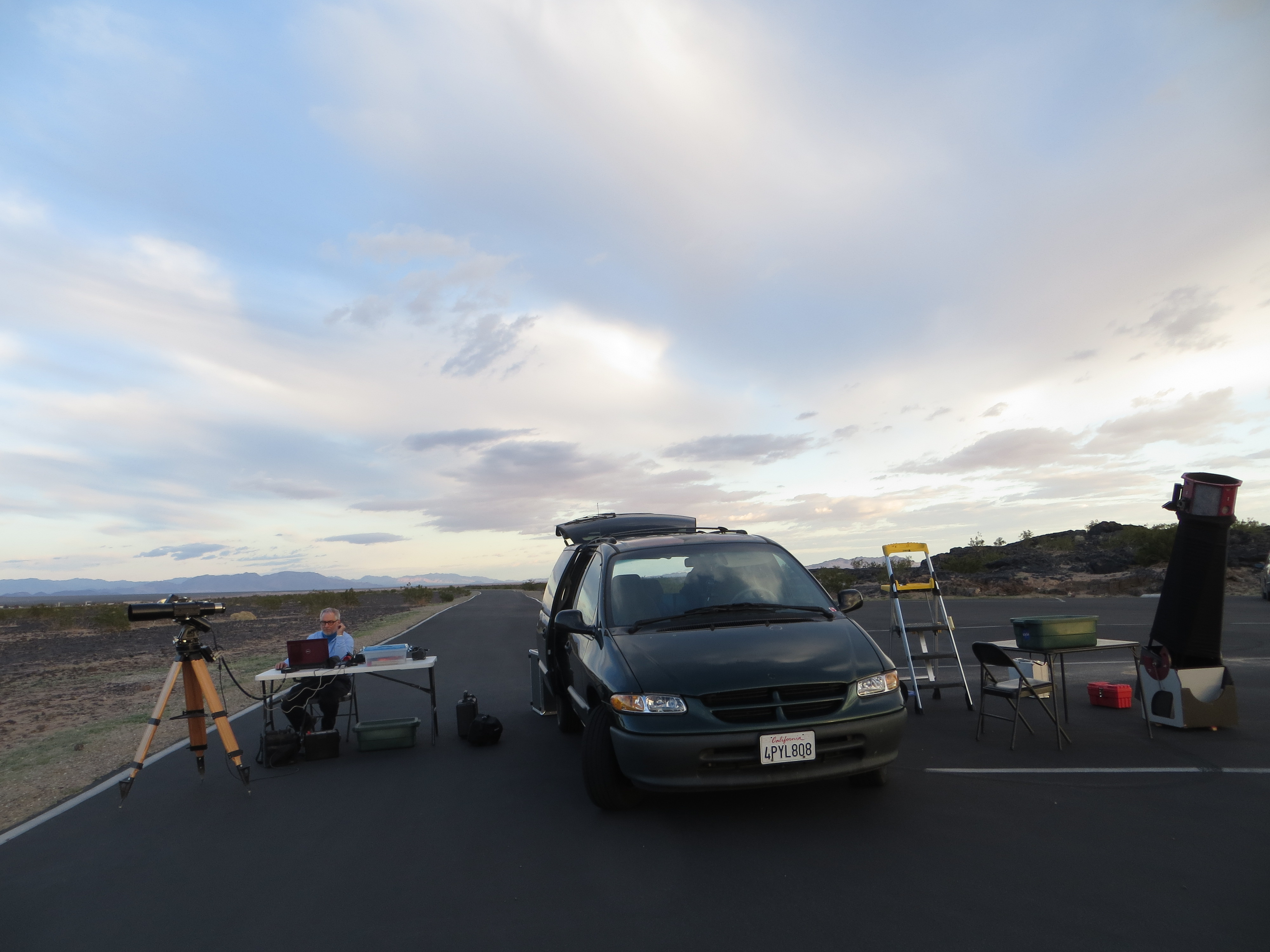
    Those clouds you see in the set-up pictures hung around the western horizon just enough to keep the comet out of view.

    IMG_0875
    Astrophotography on the left, visual astronomy on the right. Those clouds kept PANSTARRS hidden, but cleared nicely later in the evening.

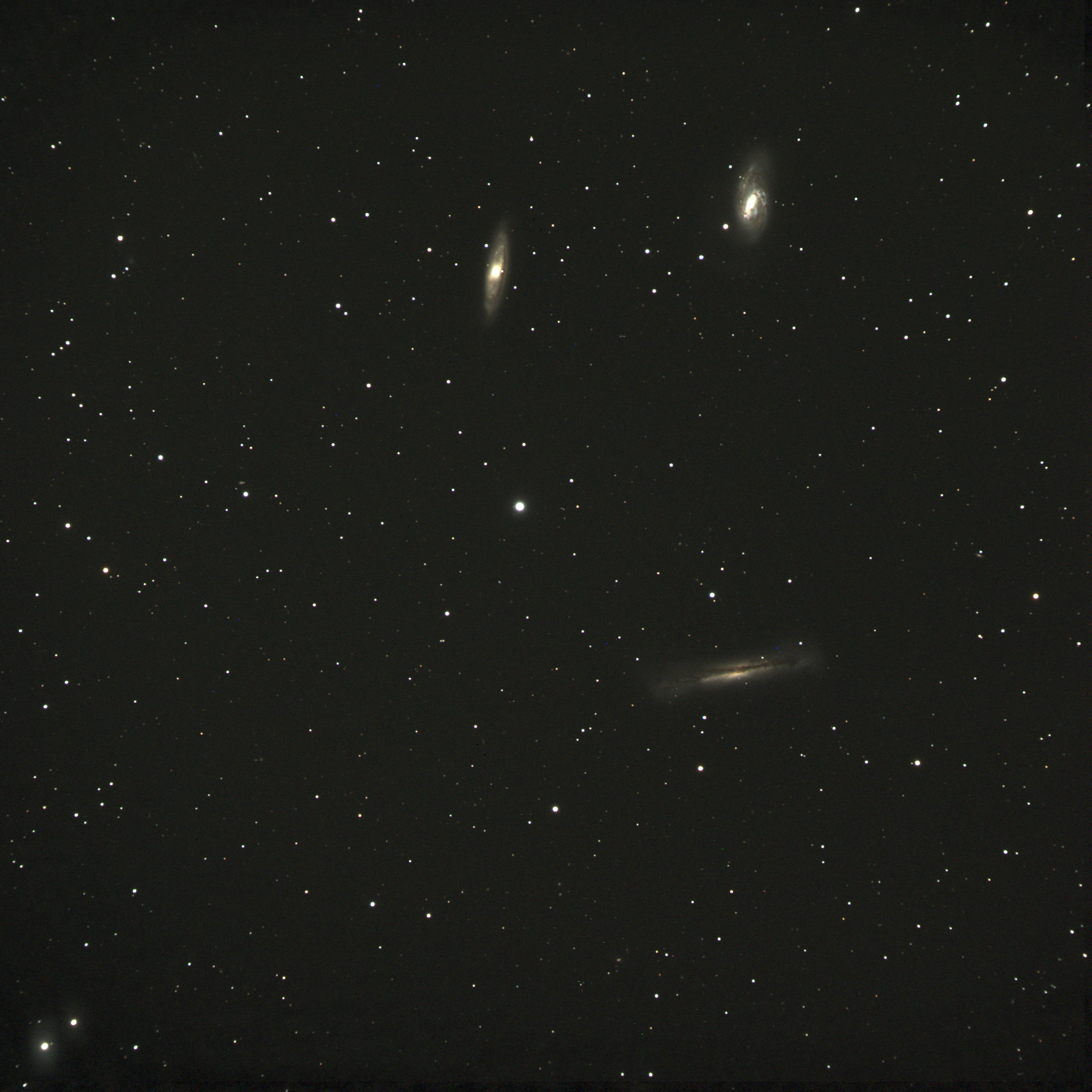
    My first target was going to be an easy favorite visual target, but one of which I didn’t have a good astrophoto. M64, M65, and NGC3628 are three galaxies in Leo that form a striking group. There are other galaxy groups in Leo, but I believe this one is the set known as the Leo Trio.

    Three galaxies in Leo
    The Leo Trio, M65, M66, and NGC3628. 45 minute exposure (3×15 min.) SBIG ST-4000XCM, Astro-Physics Traveler, 105mm f/6

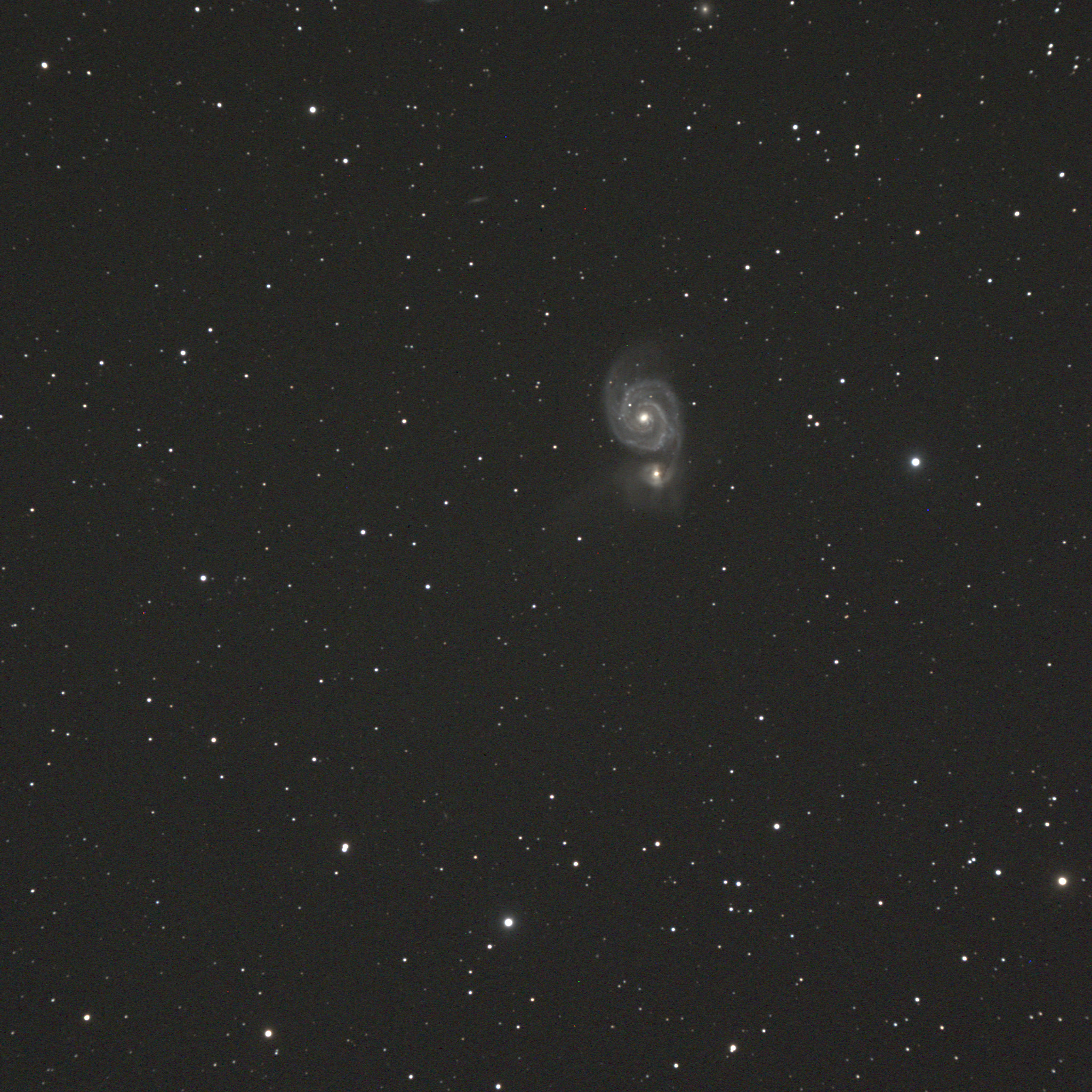
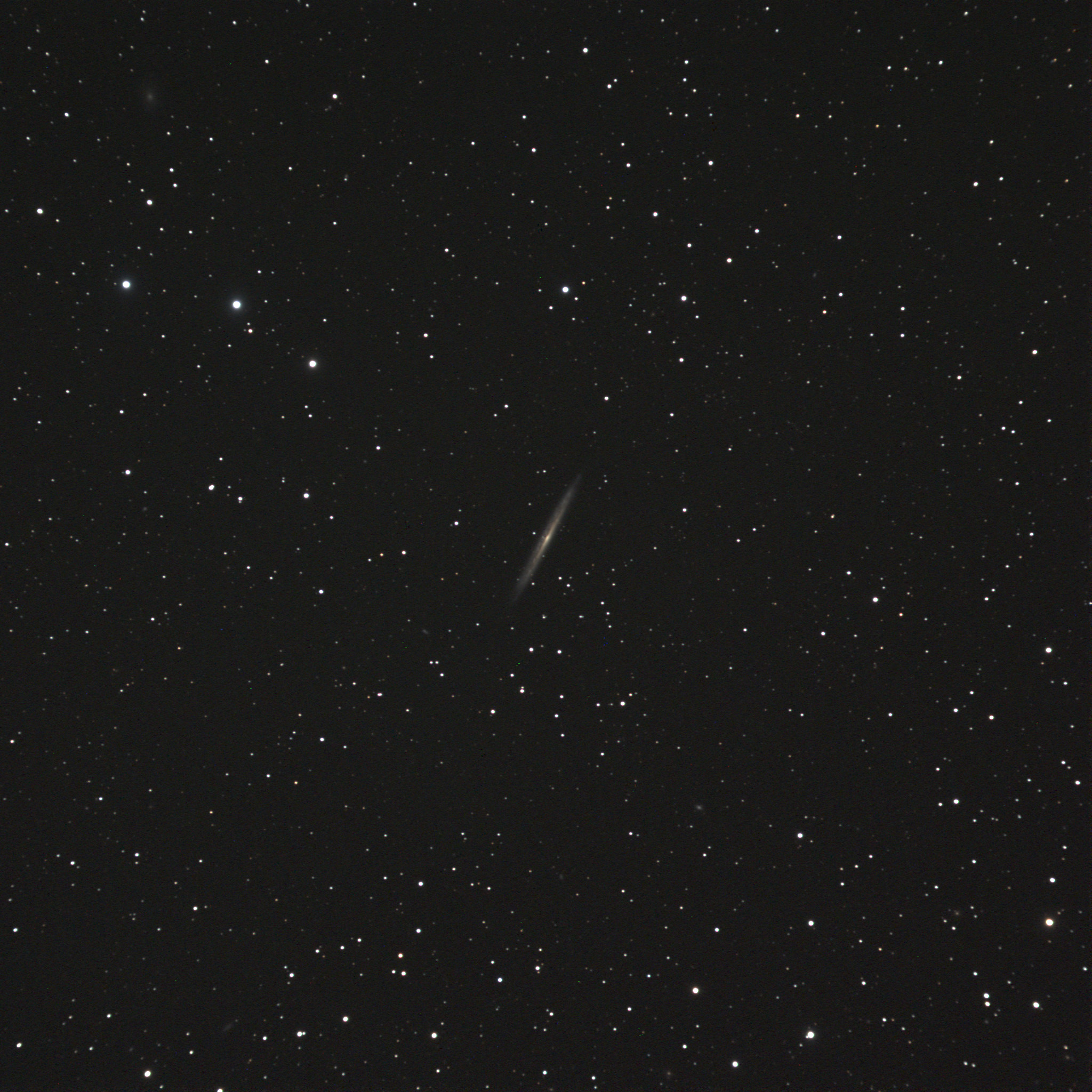
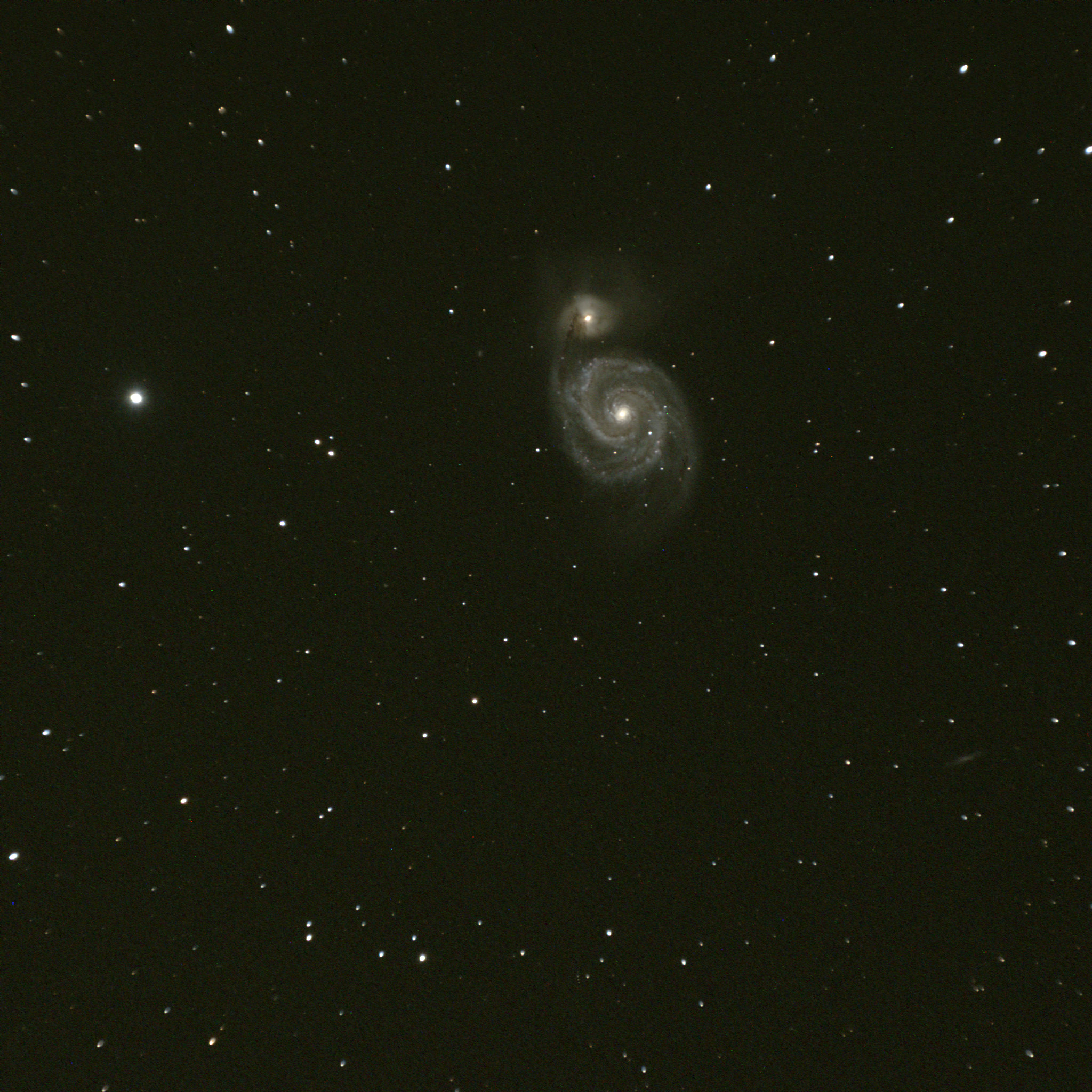
    I went for a couple of other interesting easy targets that should be fun. The Whirlpool and NGC5907 “Splinter” are best with longer focal length telescopes, for a narrower field, but I enjoy these wide field shots too.

    The Whirlpool galaxy
    M51 the Whirlpool Galaxy in Ursa Major, Astro-Physic Traveler 105mm f/6, SBIG ST-4000XCM camera

    The “Splinter” in Draco is a lovely edge-on spiral.

    NGC5907
    “The Splinter” galaxy NGC5907, edge-on spiral in Draco. Astro-Physics Traveler 105mm f/6, SBIG ST-4000XCM

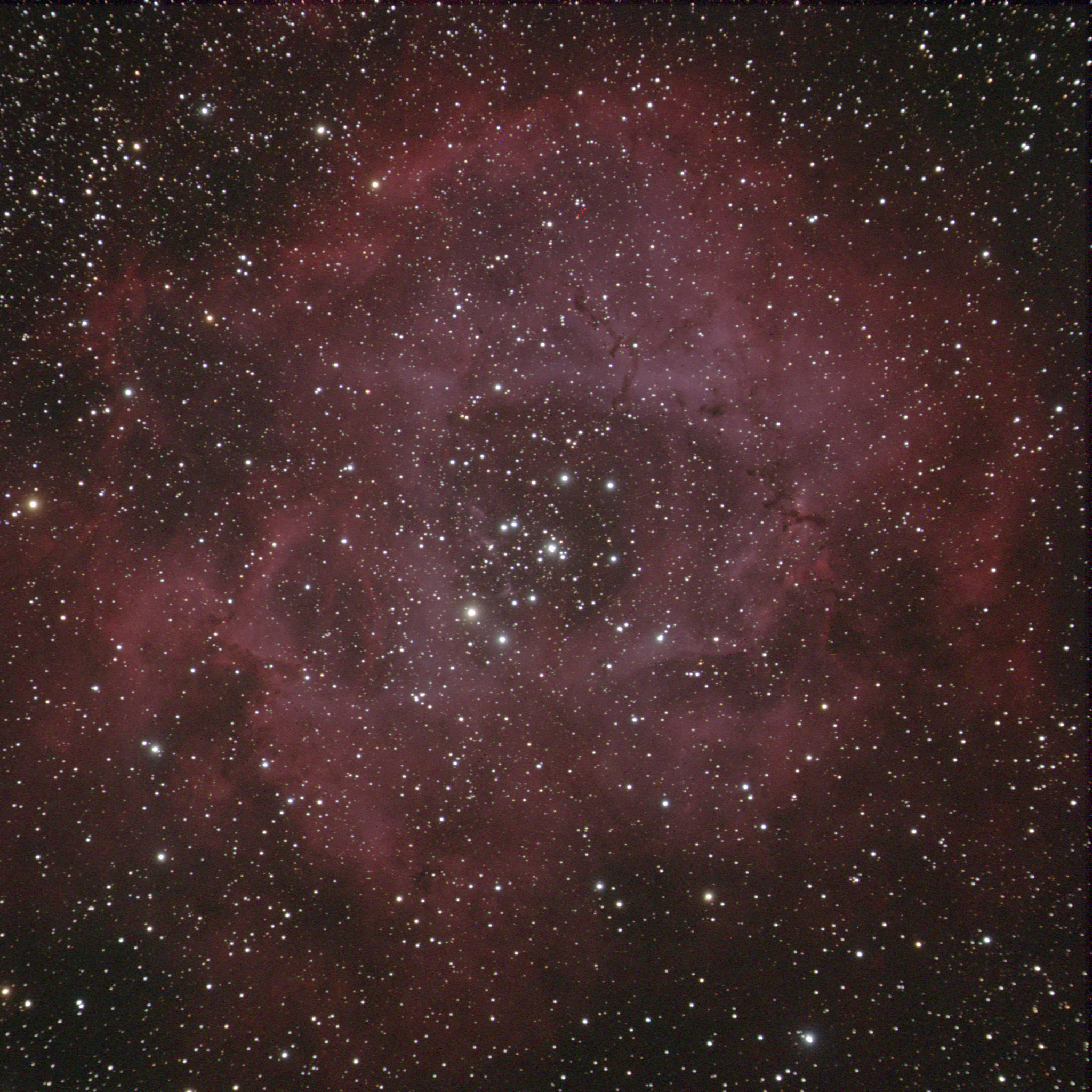
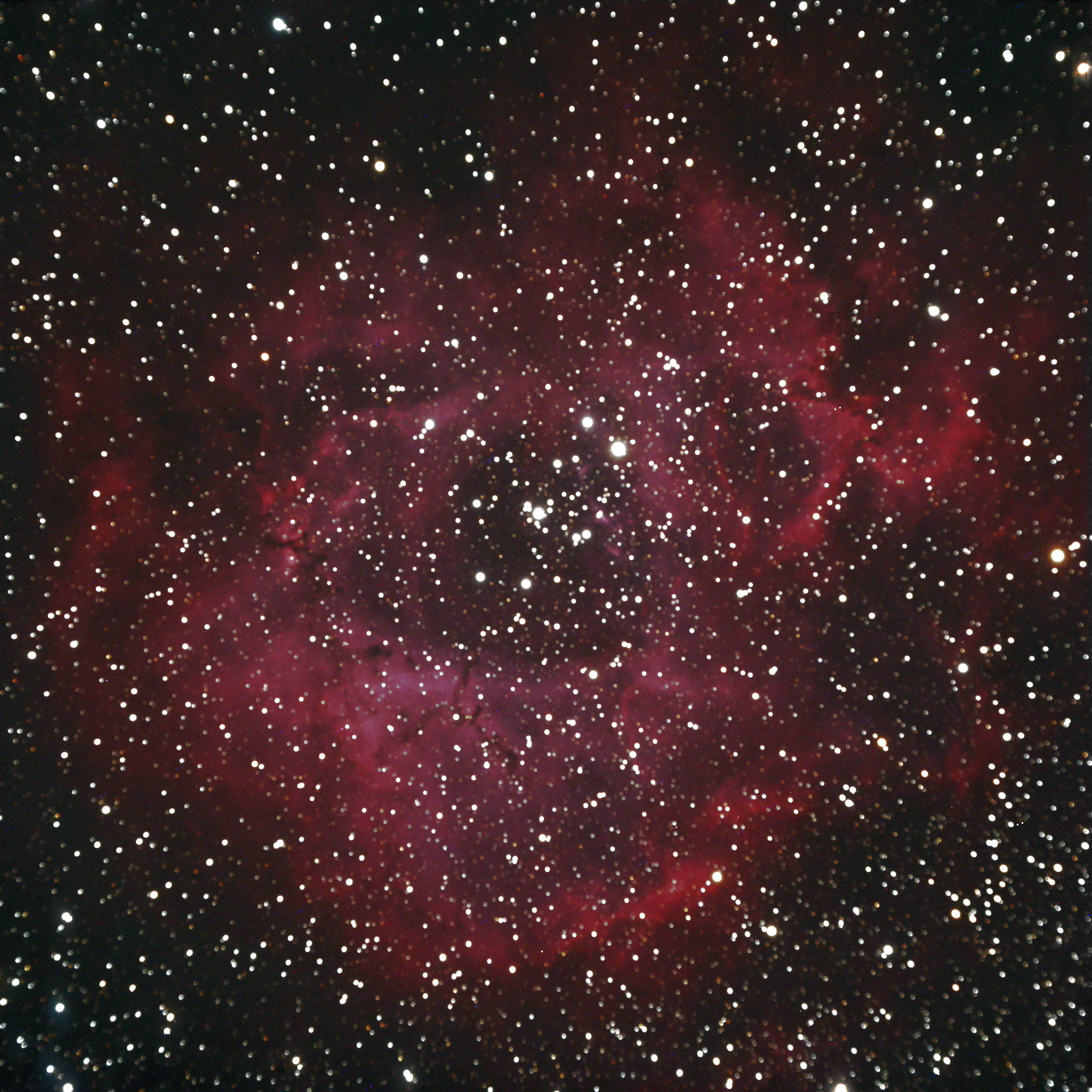
    Finally I went for a redo of a classic winter-sky object, one for which my Traveler with its wide field-of-view should be ideal, the Rosette nebula in the winter Milky Way.

    Here is my earlier shot of the Rosette, and the full size image of it here. On that night my focus wasn’t especially good. Since then my skill with focusing and processing has improved quite a bit, such that now I’m proud to show you my new Rosette image.

    Rosette
    The Rosette nebula region in Monoceros, 45 minutes exposure (3×15 minutes) Astro-Physics Traveler 105mm f/6, SBIG ST-4000XCM

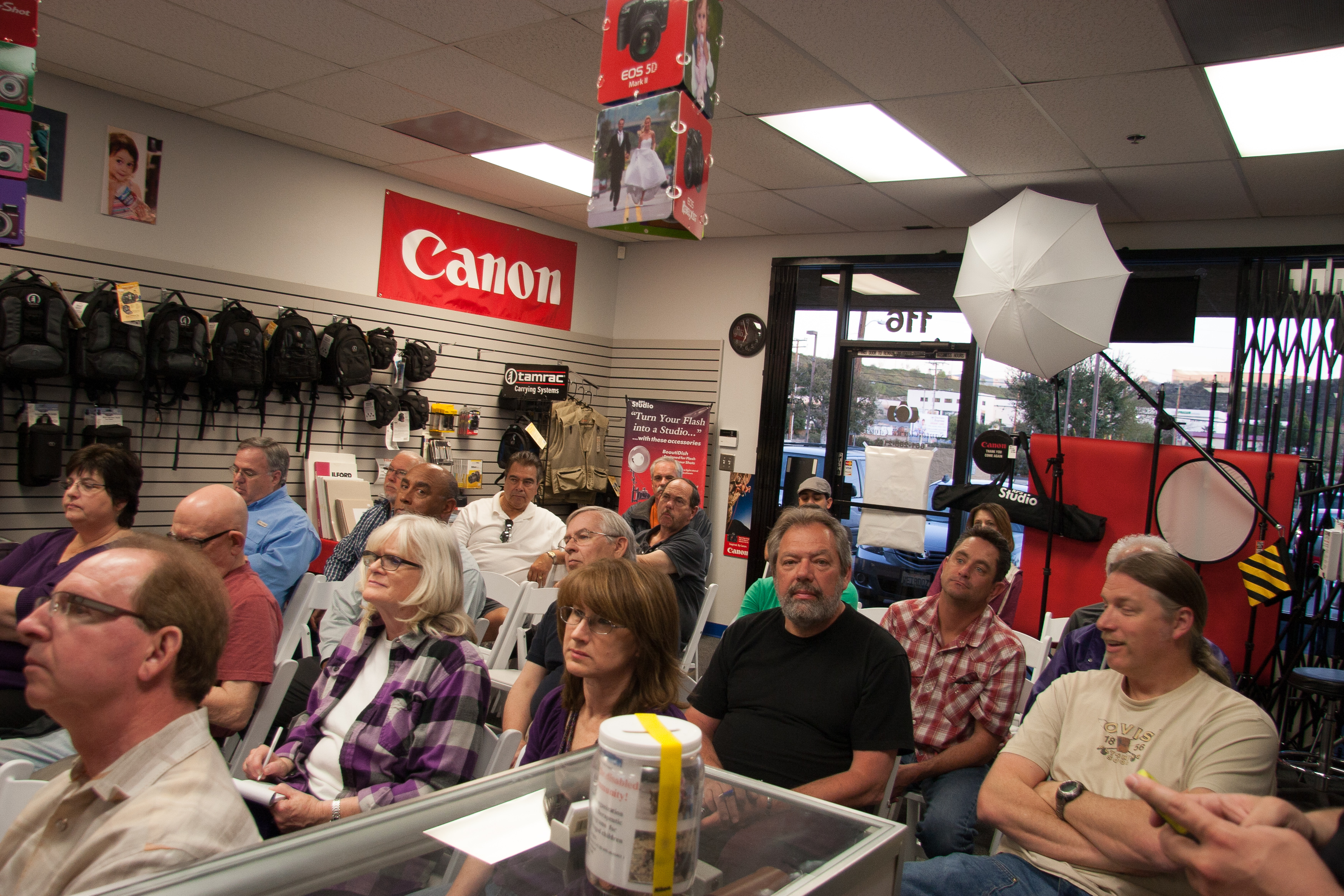
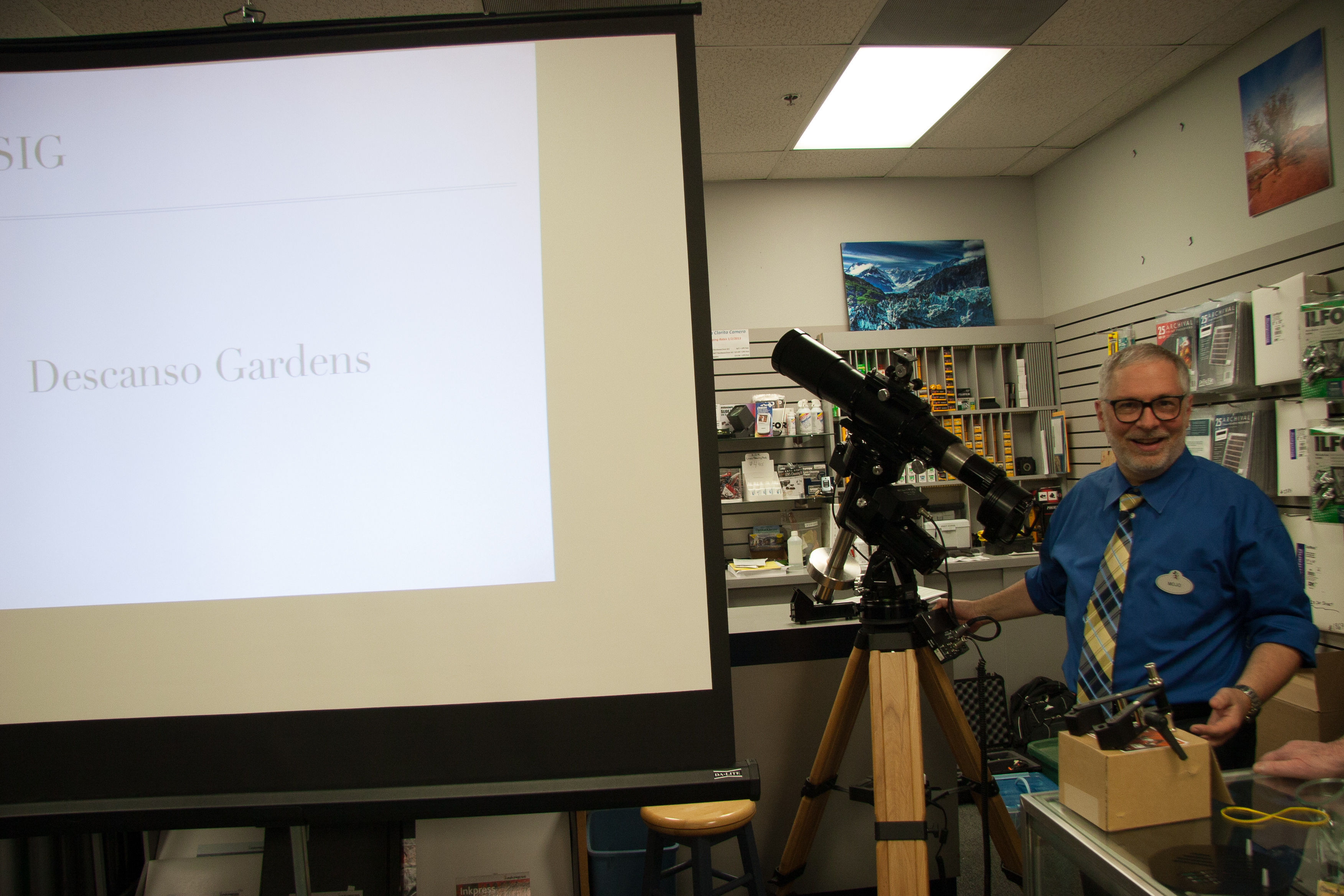
    So I certainly had enough to make a fair astrophotography presentation for a camera club. My talk was the following Tuesday evening at Santa Clarita Camera, for the Santa Clarita Valley Photographers Association.

    Camera Club
    I had about 30 camera club members for my presentation on deep-sky astrophotography.
    Mojo with astrophotography gear
    I brought my A-P Traveler, mount, tripod, and camera for show-and-tell along with the talk. Not the usual gear found at a typical camera store.
  • “Why didn’t you just …”

    Here’s one post that’s equally valid for bridge and computer programming.

    Have you ever accomplished some task and had someone say “Why didn’t you just” do it some other way? Usually their suggestion is assumed to be the obvious or simpler way to do something.

    In bridge, maybe you misplayed the hand, or chose a different lead on defense. In software, there’s always some tool or technique that would make the job easier.

    The problem with this question is that it’s essentially rhetorical. My answer almost always falls into two camps: either “I didn’t think of that,” or “I didn’t know about that.”

    On rare occasions, I actually did know about some alternative method to use, and I rejected it after investigation. That’s quite the exception.

    At the bridge table, this takes the form of choosing a line of play that didn’t work on this hand; everyone who chooses the other way is going to get a better result. Most of the time my choice is based on which way has the best odds of being right, but often enough I either don’t know the odds, or have misinterpreted the information I have at the table. Sometimes it’s a toss up, and sometimes I’m acting on a hunch. On rare occasions the opponents have done something clever enough to mislead me!

    In software and systems, there’s even a famous acronym that covers this: T.I.M.T.O.W.T.D.I. (from Perl) which means “There is more than one way to do it.” Often enough, it doesn’t matter which way you choose. Sometimes a different approach is simpler, more understandable, more efficient, more something. Often there are so many different ways to do something that you just have to pick one and go with it.

    My point is this: Most of the time when you ask this question, you should already know the answer. The question accomplishes little aside from the embarrassment of the recipient.

    It’s for this reason that I always dread presenting my work in software, and why code reviews are so painful. It’s nearly impossible to present your own code to a group of programmers without hearing someone say “why didn’t you just …?” Once in a while you will have a reason for rejecting an alternative, but most of the time you just didn’t think of it, or didn’t know about the better alternative.

    Here’s what I have to say about that.

    When you’re at the bridge table, and you see your partner horribly misplay a hand, give them the benefit of the doubt. Most of the time it’s best to say nothing, but perhaps, “Wow that was really bad luck,” or “Oops, I guess that didn’t work!” Laugh it off and go on to the next one.

    In software, things are a little more serious. If you find yourself shaking your head at some technique, design, or code, resist the urge to say “Couldn’t you just refactor the Gizmo object with the Framistat library?”

    Instead, try something like, “Hey, I bet if you included the Framistat library we could make the Gizmo object a lot cleaner.” That shows that you already understand that I either didn’t know about the Framistat library or didn’t think of using it. It helps to put a positive spin on the conversation.

    In the software business there are so many tools and techniques that it’s often impossible to understand and research all of the alternatives. Having one that works is more valuable than anything else. Discovering true bugs and faults should be the goal. (That, and not having hard tabs in your source code. 🙂 )

    Once at the bridge table after making a beatable contract, one of my opponents turned to her partner and said, “Why didn’t you lead a club?”

    He responded loudly, “Because your partner is not God!”

  • Ruby gem problems around libv8, therubyracer, mac vs. linux, native extensions

    I haven’t done a techie blog post for a while, and this “solved problem” keeps raising its head at work, so here goes.

    Here’s the situation:

    • A ruby web app
    • Develop on Mac OS X
    • Deploy on Linux
    • Using bundler to control gem versions
    • Using therubyracer and libv8

    You build your app on your Mac, install your bundle of gems using bundler, and your tests run fine. Now you deploy the app to your production system, and there’s this error:

    Some gems seem to be missing from your vendor/cache directory.
    Could not find libv8-3.11.8.13 in any of the sources

    Or worse, this error:

    Installing therubyracer (0.11.3) with native extensions 
    Gem::Installer::ExtensionBuildError: ERROR: Failed to build gem native extension.
    
            /usr/local/bin/ruby extconf.rb --with-ruby-include=/usr/src/ruby-1.9.3-p392
    checking for main() in -lpthread... yes
    *** extconf.rb failed ***
    Could not create Makefile due to some reason, probably lack of
    necessary libraries and/or headers.  Check the mkmf.log file for more
    details.  You may need configuration options.
    
    [...]
    /usr/local/lib/ruby/gems/1.9.1/gems/libv8-3.11.8.13-x86_64-linux/ext/libv8/location.rb:15:in `initialize': 
    Permission denied - /usr/local/lib/ruby/gems/1.9.1/gems/libv8-3.11.8.13-x86_64-linux/ext/libv8/.location.yml (Errno::EACCES)

    If you’re careful with your production deploys, then

    • Your app does not run as root on the production servers, and
    • Your app’s gems are cached in vendor/cache, thus not pulling gems from rubygems.org, or anywhere else.

    Here’s the thing with libv8: it’s designed to be optimized for each platform where it runs, so the gem has native extensions with different versions for Mac OS X and Linux. Your gem cache needs to have both native versions of the gem in vendor/cache to satisfy the two platforms. When you bundle the gems on your development machine it doesn’t build the linux native version (obviously).

    When you deploy the app on Linux, bundler fails because it doesn’t find the Linux custom gem.

    Under the deployment conditions I described, trying to build libv8 fails trying to write to the system gems, hence the permission error I mentioned. (I have no idea what therubyracer is doing trying to write into the libv8 gem!)

    So here’s how to solve the problem.

    First, on your development system, do the normal bundle install, verify that the darwin (Mac OS X) version of libv8 is found in vendor/cache:

    $ ls -l libv8*
    -rw-r--r-- 1 mjones mjones 33652224 2013-02-26 10:16 libv8-3.11.8.13-x86_64-darwin-11.gem

    Now commit your changes with the new gem file, and push it to your git repository.

    Next, connect to a handy Linux server. Install rvm (or rbenv) and your current Ruby, with a nice clean gemset. Be sure you have bundler installed.

    (You may need some bundle options):

    bundle config build.linecache19 --with-ruby-src=/usr/src/ruby-1.9.3p392
    etc.

    Clone your git repo, and do a bundle install. Using rvm (or rbenv) means you’ll have local copies of ruby and your gem set, and that should avoid any permissions problems.

    Now check vendor/cache, and you should have a Linux version of the libv8 gem available. To deploy on both platforms, keep both in vendor/cache. Bundler has been good about keeping both versions around and not trying to clean the one you’re not using:

    $ ls -l libv8*
    -rw-r--r-- 1 mjones mjones 33652224 2013-02-26 10:16 libv8-3.11.8.13-x86_64-darwin-11.gem
    -rw-r--r-- 1 mjones mjones  3144704 2013-02-26 11:29 libv8-3.11.8.13-x86_64-linux.gem

    For good measure, I also often include the generic version of the gem, downloaded manually from rubygems. Add your updates to your git repository and push them to the remote origin.

    You should find that your app deploys successfully on Linux now.

  • Kaiser Low Calorie Diet, Terrible Execution

    Like so many of us, I need to lose weight. My doctor at Kaiser referred me to a new in-house weight loss program, a low-calorie “meal replacement” program. The program appears to be a franchisee of Robard Corporation’s “New Direction” program.

    The program itself is very good. The class materials are current and instructive, and the high-protein shakes and bars are good quality.

    But Kaiser’s management of the program has been incompetent at best, fraudulent at worst.

    Unfortunately, I have no leverage with them. I pre-paid for 16 weeks of product and weekly classes. My first meeting was on October 22.

    Things were fine on the program. By my eighth weigh-in on Dec. 10 I had lost 18 lbs. On that day our contact warned me that they were out of the most popular meal replacements, but promised they would be available soon. Okay, I could suck it up and get by on some of the more boring shakes and bars for one week.

    The Dec. 17 meeting was going to be a big one, because our group’s next two meetings would be on Christmas Eve and New Year’s Eve. They would not hold meetings on those days, and we would have to pick up a three-week supply of product. Now the “shortage” of the popular flavors was a problem, because I would have to suffer through three more weeks of the Robard product I didn’t especially care for.

    The Kaiser rep apologized sincerely, and offered to do what he could to trade in my undesired product for what I wanted. He gave me a phone number and an email address to reach him and arrange a replacement. Meanwhile everyone in my Monday evening class was told to enjoy the holiday and we would meet again in three weeks, on Jan. 7.

    Over the next week, approaching Christmas, my emails went unanswered. I called the phone number he gave me to learn that he was on vacation and couldn’t be reached.

    But wait, it gets worse.

    Monday, Jan. 7, myself and four other weight-loss students waited patiently in a Kaiser Pasadena waiting room, only to learn that no one would be there for our class or to provide product. The five of us left our phone numbers, talked a nurse into letting us in to weigh ourselves unofficially on our favorite scale, and congratulated each other on making it through the holidays successfully.

    One of the keys to successful dieting is developing good habits — getting on a roll and sticking with it long enough to be successful. We were now having our 16-week program interrupted, and all of that momentum erased for a week.

    Finally three days later, someone from the program called to tell me that my class had been changed from Monday to Wednesday evenings, and our next meeting would be on Jan. 16. That’s nine days off program.

    Finally we met on Jan. 16 and again were told that they were low on inventory and did not have my choice of the New Direction product. Somehow the manager managed to “find” one week’s worth of my favorite choice, and I crawled back on program.

    Now we come to the final insult, at the Jan. 23 meeting, with four brand new weight-loss students, and a very apologetic staff. The regular program runner had called in sick, and they were out of several flavors of the available shakes and bars. They had someone there to fill in and take our orders. When she couldn’t give me first choice, she offered a replacement which I accepted, but then disappeared without ever delivering it.

    So this past week I have again been off program.

    At the Jan. 23 meeting, our meeting leader promised many times that we would be called the next day to make arrangements to get us product. As you can guess, I have had no phone call.

    Sadly I have no leverage with Kaiser other than this blog post, and some effort to embarrass them publicly. Having pre-paid for the 16 week program, I know they will find some way to at least provide the physical product I paid for. Because of their change in class schedule, the Wednesday evening classes conflict with a class I am teaching for Pasadena City College, and I will not be able to attend the classes, only drop in, weigh in, and pick up product.

    Like I said, the program is a good one. I can’t imagine how the management of it could have been worse.

    My only recourse is to advise my doctor to reconsider before making any new referrals to the program. I will also copy the Robard Corporation with my complaint and recommend that they consider revoking their product license with Kaiser for the horrible service.


  • Hot, dry astronomy

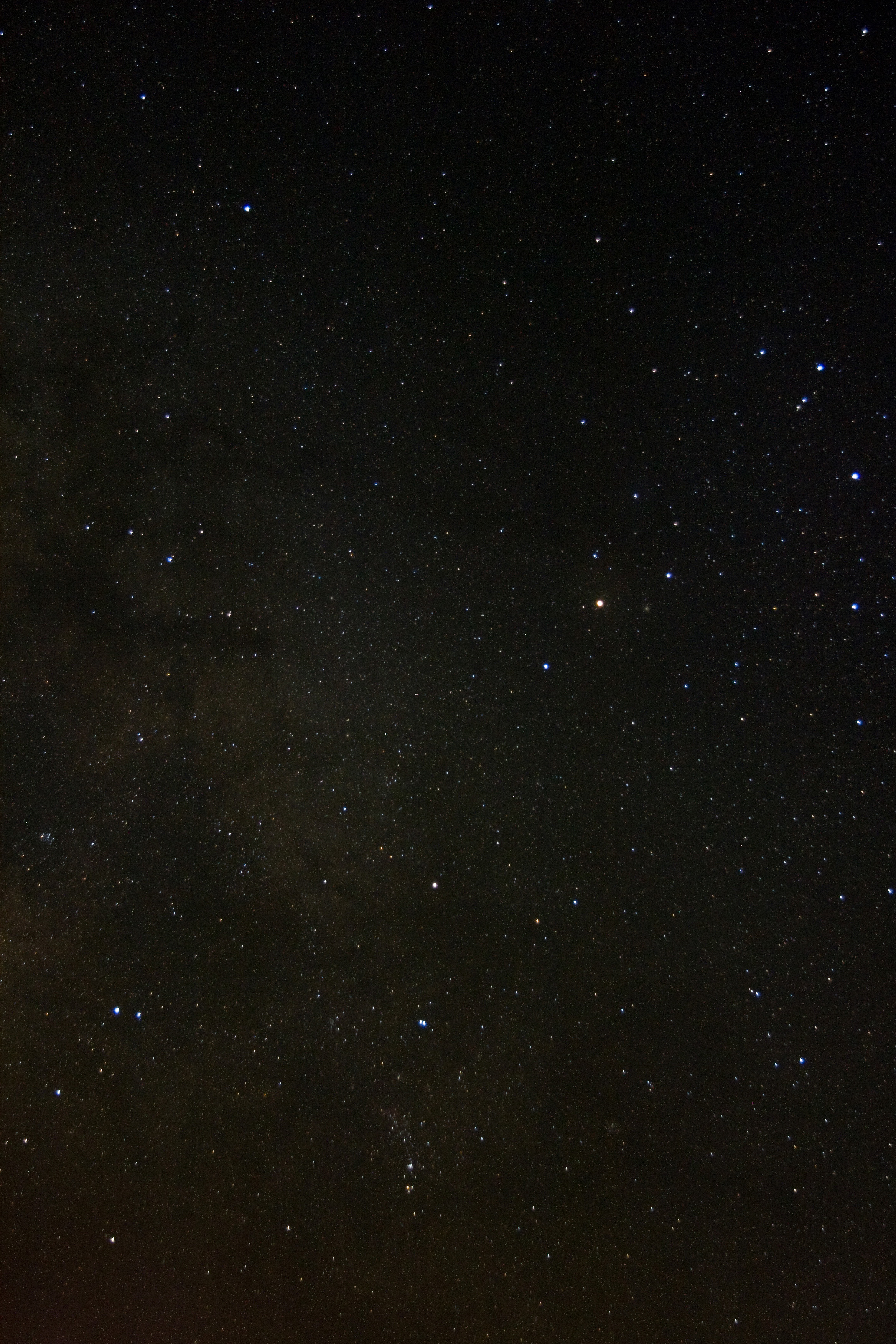
    Constellation Scorpius
    My piggy back shot of Scorpius taken in the early evening. Note the Pipe Nebula near the center left, a dark dusty pipe in silhouette against the Milky Way. Click for the full-resolution image.

    Observing report for June 16, 2012, Amboy, CA

    The forecast for Amboy had a high temperature of 104°F and a low of 72°F. Winds would be light to calm, and the sky would be severely clear and steady all night! Sunset at 7:58 p.m. and sunrise at 5:30 a.m.

    My European and metric system friends might enjoy converting those temperatures into Celsius for a jaw-dropping chuckle.

    Amboy Crater National Natural Landmark is on BLM (Bureau of Land Management) land near the tiny railroad town of Amboy, on National Trails Highway — a right-of-way that used to be marked as U.S. highway 66. Amboy, California, has also been noted as the inspiration for the town of Radiator Springs from the Disney-Pixar movies Cars and Cars 2.

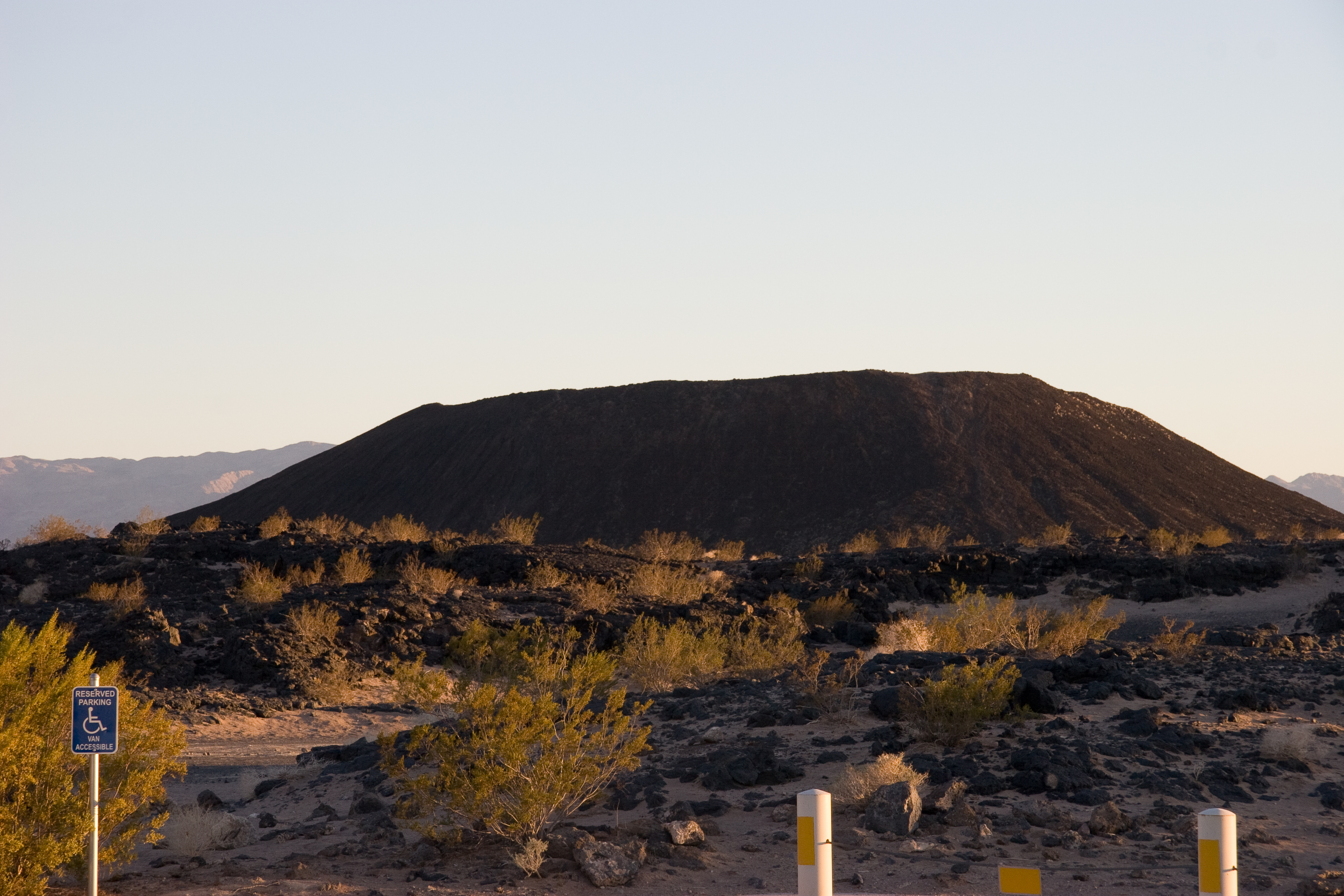
    We’ve written much about Amboy Crater in the past. It has become our new favorite observing location, featuring a paved parking area, picnic tables, and pit toilets. There’s a lovely one-mile trail that leads into the volcano crater known as Amboy Crater, which juts up from a large black-rocked lava field.

    Amboy Crater
    Amboy Crater National Natural Landmark
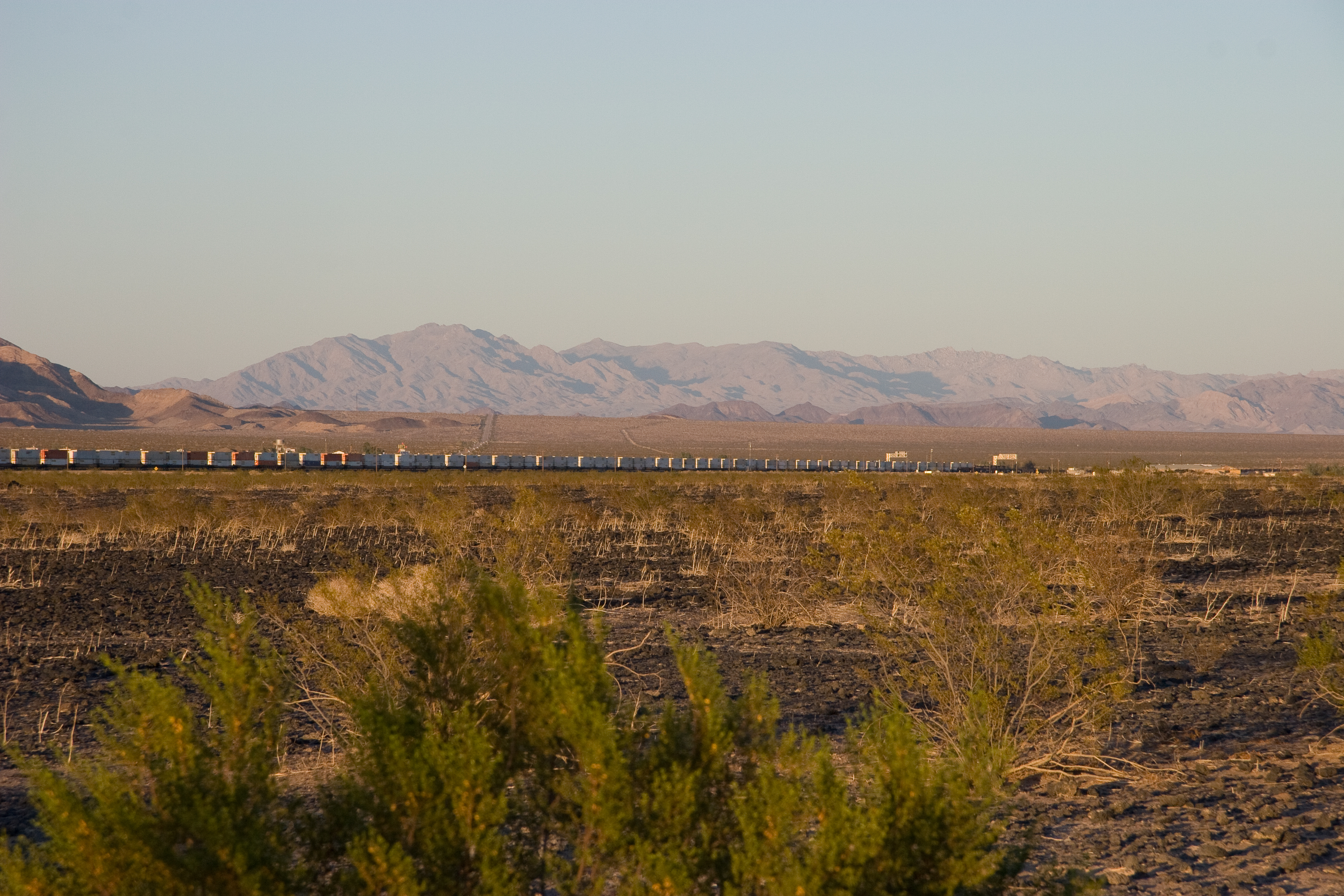
    Train near Amboy
    One of the many long trains passing through Amboy, CA, that keep us company rumbling through the night

    When we arrived at the location, it was probably about 95°F. Our full dispenser of ice water and chilled Gatorades came in very handy! With sunset the temperature quickly dropped, and an hour after it was very pleasant short-sleeved observing under a perfect sky.

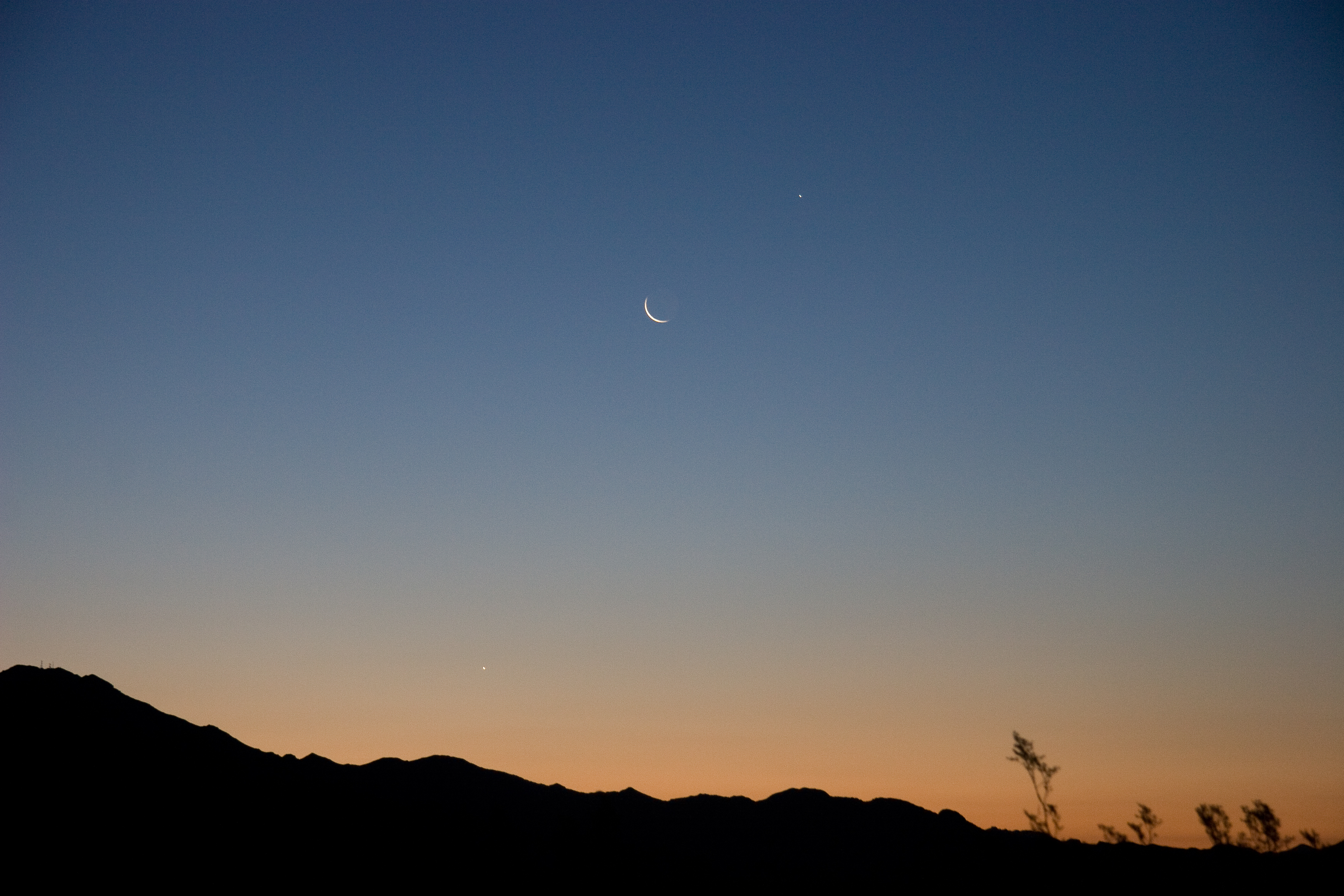
    We napped for a couple of hours at 2:30 or so, and woke to this stunning array of morning planets rising in the east.

    Jupiter, Moon, Venus
    Jupiter, the Moon, and Venus, lined up in the eastern pre-dawn sky Sunday morning. By all means click for the full-res image, and notice the prominent earthshine on the very old moon.

    I was looking forward to capturing some summer-sky Milky Way favorites this evening. I stumbled onto a nearly perfect polar alignment. It was one of those nights when I had no battles to fight, no problems to solve, I could just collect photons.

    I spent my few summer hours on three targets I hadn’t imaged, all rising in the very dark eastern sky.

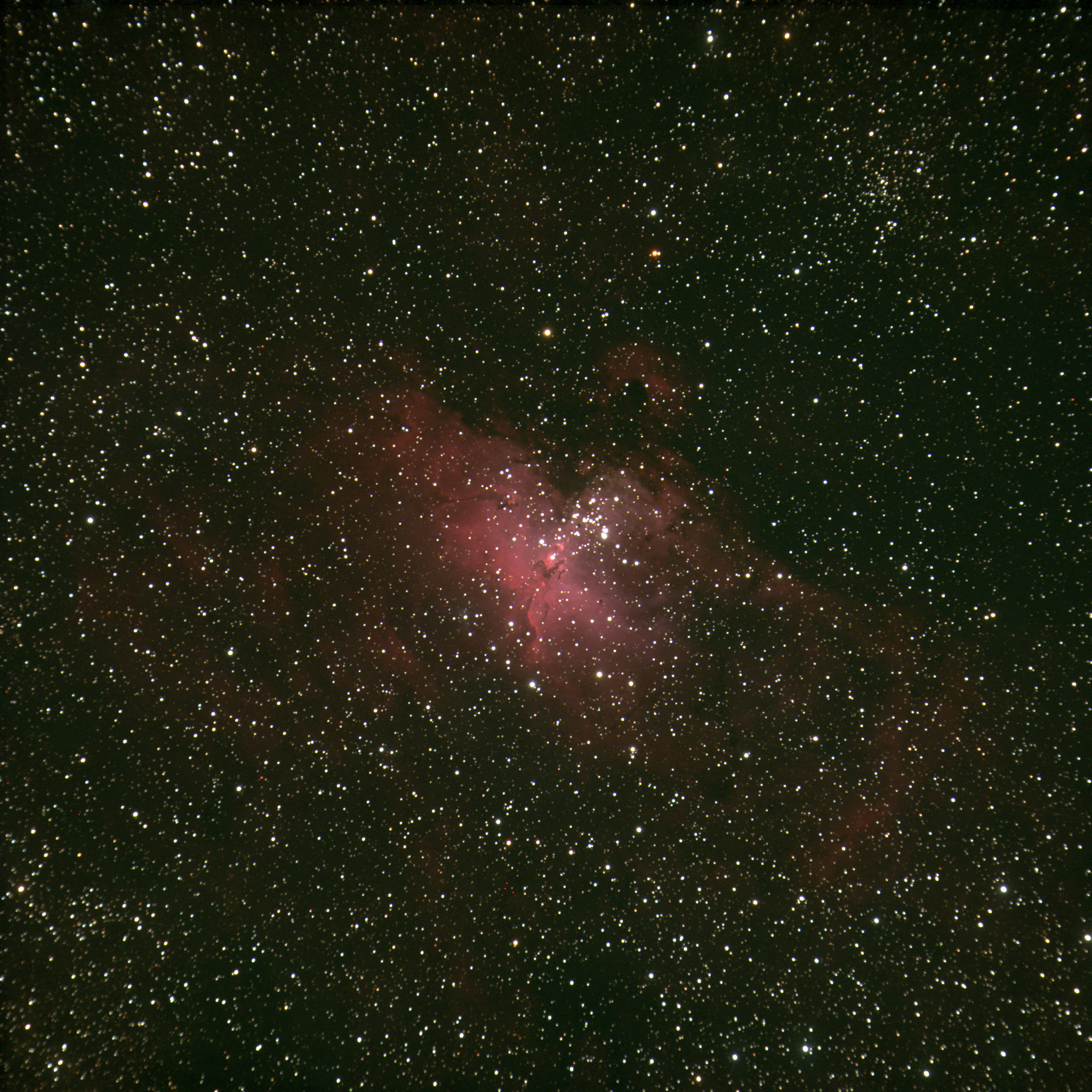
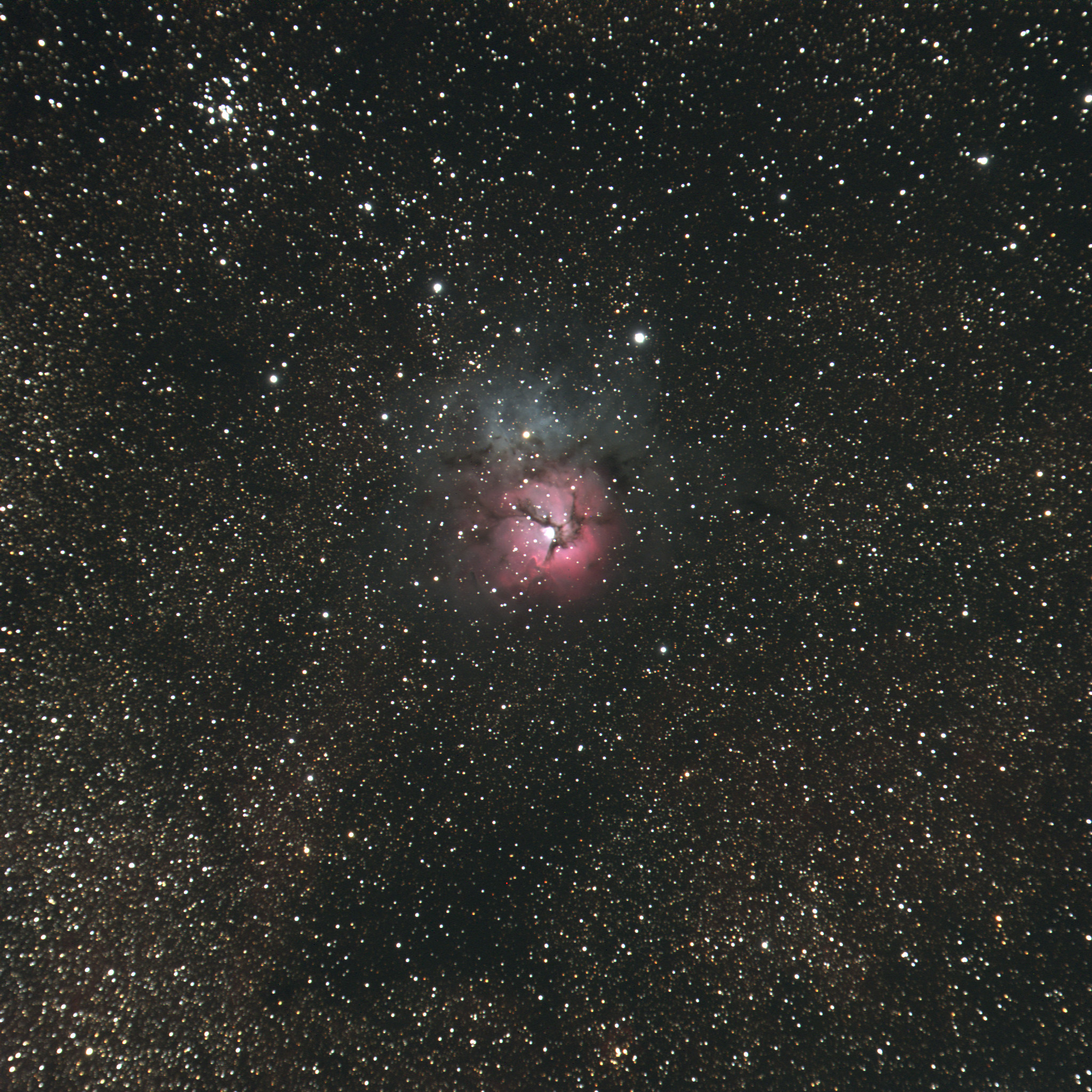
    Click each of these for the full-resolution 2048×2048 image. They turned out particularly well!

    M16 the  Eagle
    M16, the Eagle Nebula and cluster

    I had previously shot M16, with one 15-minute exposure, and had an airplane fly through the shot. I didn’t want to photoshop the airplane away, and decided to collect more data for this stack. This one is three 15-minute exposures.

    M20 the Trifid
    M20 the Trifid Nebula, with M21, an open cluster, in the upper left corner.

    My Trifid is also three 15-minute exposures. I love seeing the lanes of dark Milky Way dust making inky lakes and tendrils among the stars surrounding the nebula.

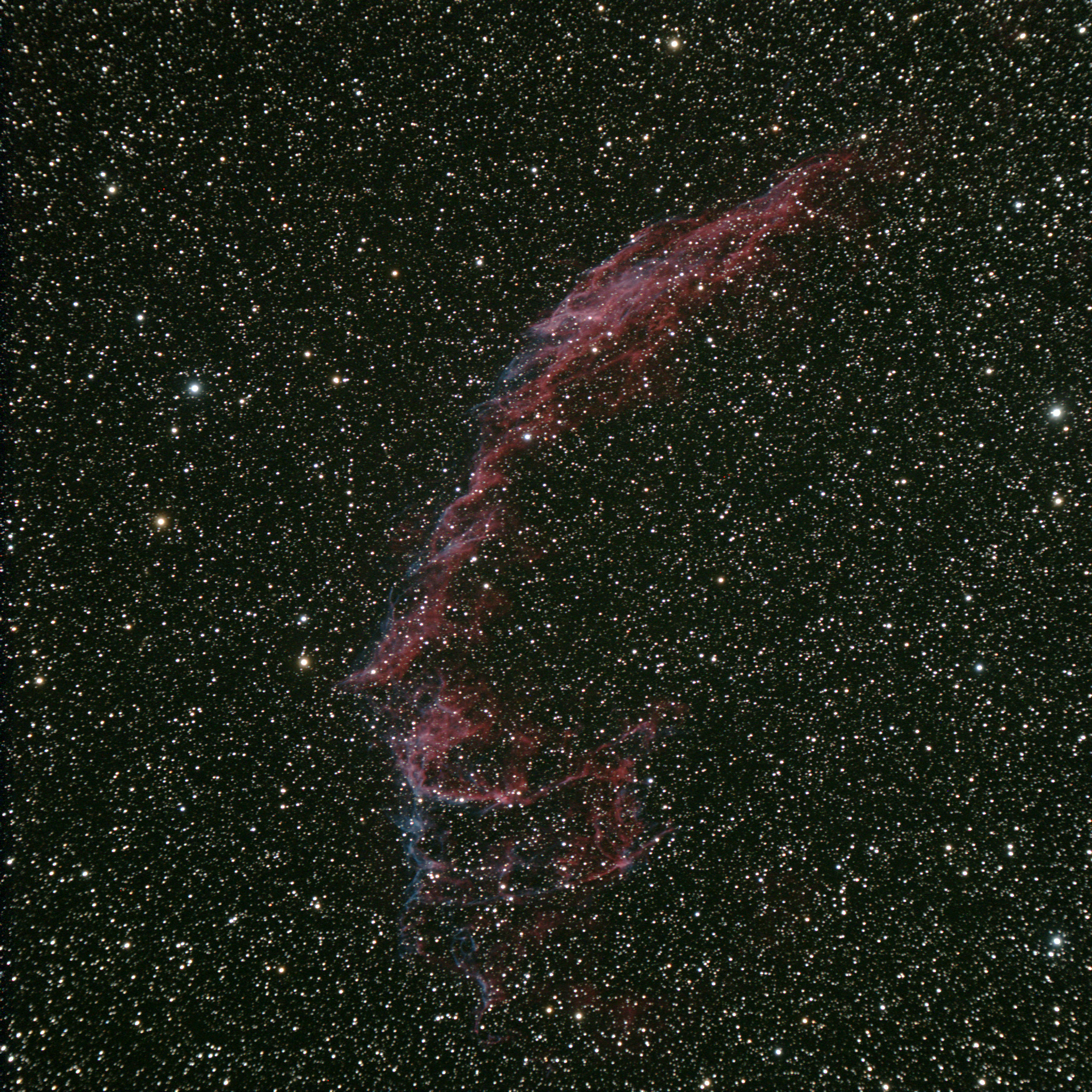
    Veil Nebula
    The eastern side of the Veil Nebula, this half is cataloged as NGC6992.

    My small refractor is the perfect telescope to capture this half of the Veil Nebula, the eastern half, NGC6992. I hadn’t expected the mix of red and blue tendrils in this supernova remnant bow shock. This is four 15-minute exposures, stacked in Photoshop.

    Equipment and software list:

    • Astro-Physics Traveler 105mm objective, f/6
    • Astro-Physics Mach-1 GTO mount on wooden tripod
    • SBIG ST-4000XCM one-shot-color CCD imager
    • CCDSoft, CCDOps, Photoshop CS3
    • Skytools 3, The Sky 6

    The Scorpius constellation image was taken piggyback on the Traveler with my Canon 20D DSLR camera, one three-minute exposure.

  • Galaxy season

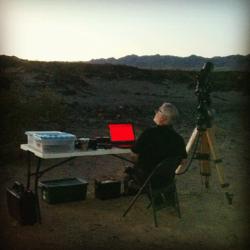
    Mojo at Amboy Crater
    Jane snapped Mojo waiting for darkness at the Amboy Crater visitor area.

    Observing report, April 21, 2012, Amboy, CA

    We’ve had a string of bad luck with new moon weekends for the past six months, so when this new moon Saturday showed nearly perfect conditions, Jane and I were quick to pack the van and get out to Amboy Crater.

    My only agenda for the session was to relearn my rusty imaging skills, and perhaps bag some Spring galaxies from Virgo and Ursa Major. Jane had plans to mostly eschew optical equipment and spend the morning counting meteors from the Lyrid meteor shower. (She’ll have a report on that elsewhere.)

    Conditions all night were as delightful as advertised. There was no wind, not a sign of a cloud. The temperature dropped quickly from 98°F on arrival to 62°F close to sunrise, calling for a light jacket. Humidity stayed well below 20% all night. We were prepared for the heat with lots of ice and Propel sports drinks.

    We were the only ones taking advantage of the smooth blacktop and hospitable visitor station at Amboy Crater. The great conditions kept both of us going without a nap all night. It made for a struggle returning home on little sleep, but we both managed to grab naps during the day.

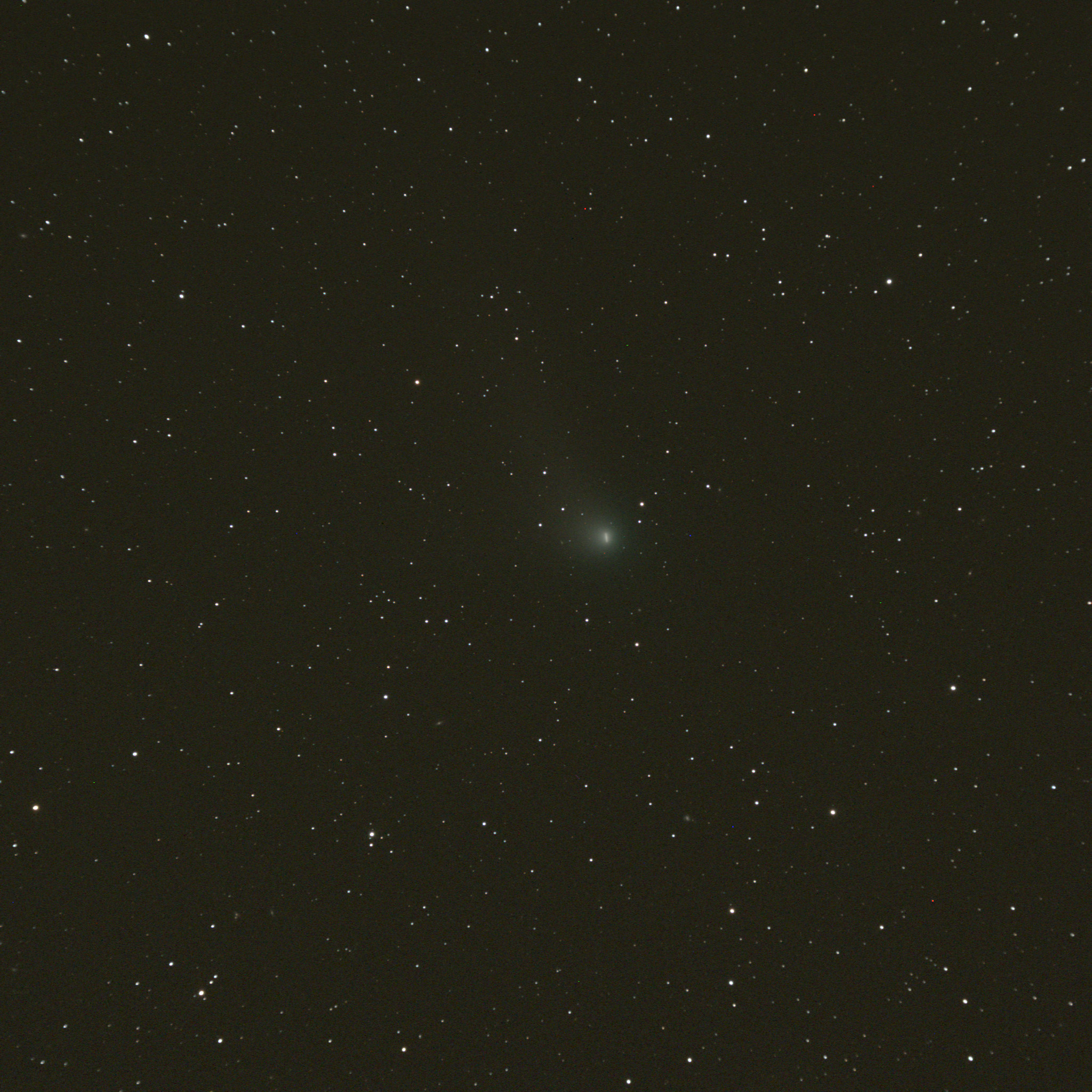
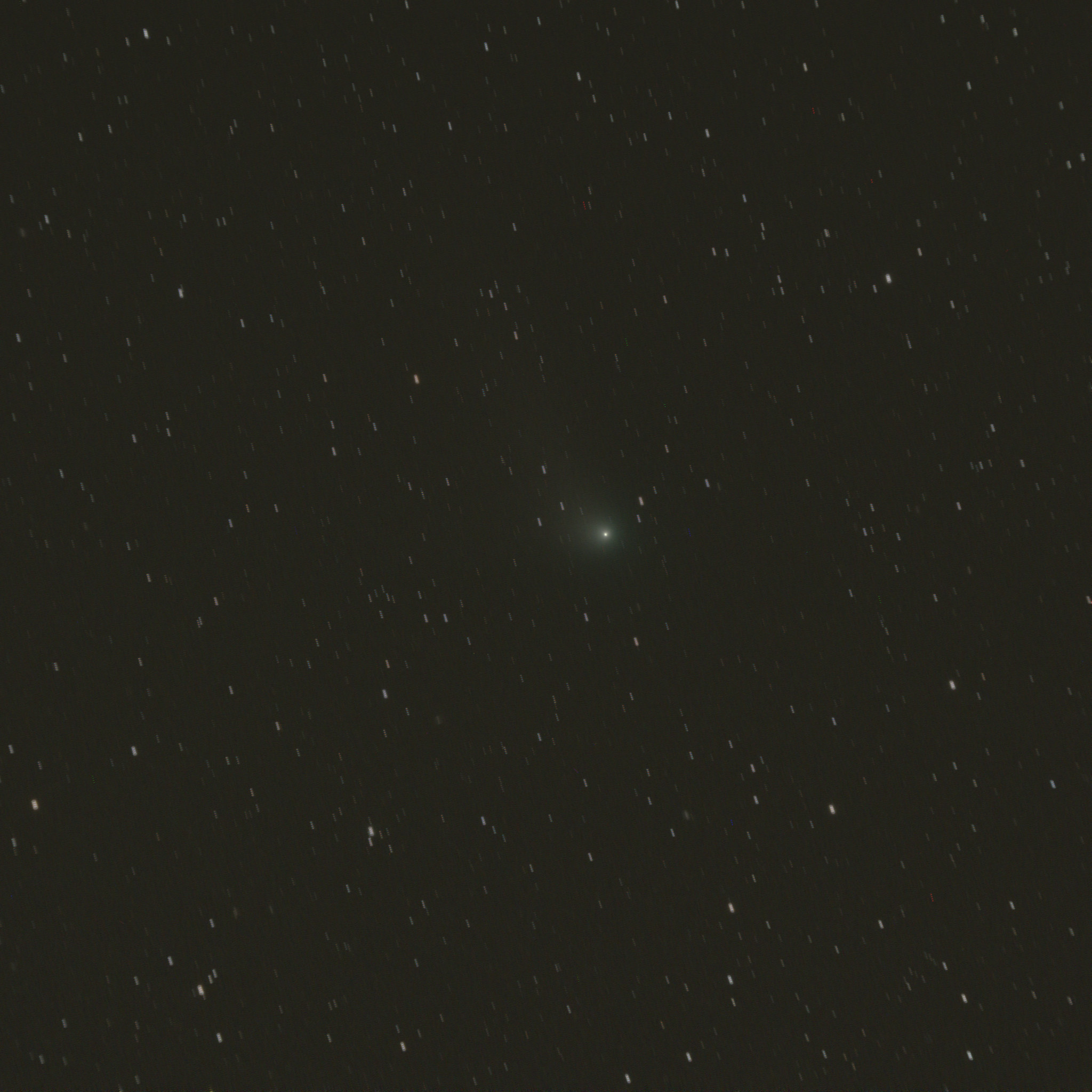
    I imaged comet C2009/P1 Garradd to start the evening. I took four 5-minute exposures, allowing me to make two versions of the image.

    The first version stacks the images so the stars all match. The motion of the comet against the background stars blurs the head of the comet in the line of its travel.

    Comet Garradd moves against fixed stars
    Comet Garradd moves against fixed stars

    The second image aligns each exposure on the head of the comet, so the perspective moves with the comet over 20 minutes, making a trail of stars in the background.

    Comet Garradd fixed against a moving background
    Comet Garradd fixed against a moving background

    The rest of the evening focused on distant galaxies. For this session I added a barlow lens ahead of the camera to get a slightly narrower field of view.

    Each of the 400×400 thumbnails below links to the full-size image, which is 2048 x 2048 pixels.

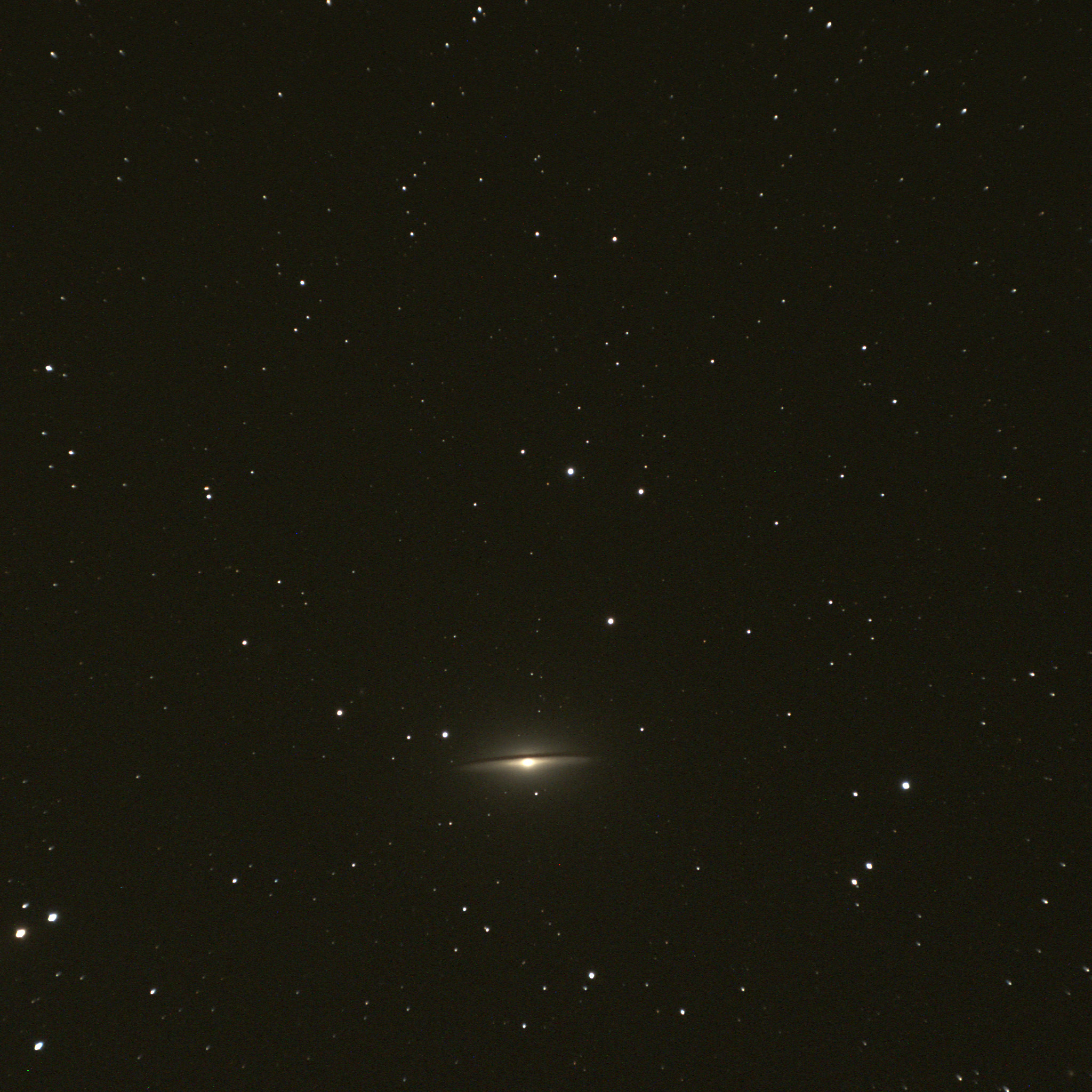
    M104
    M104 the Sombrero galaxy in Virgo
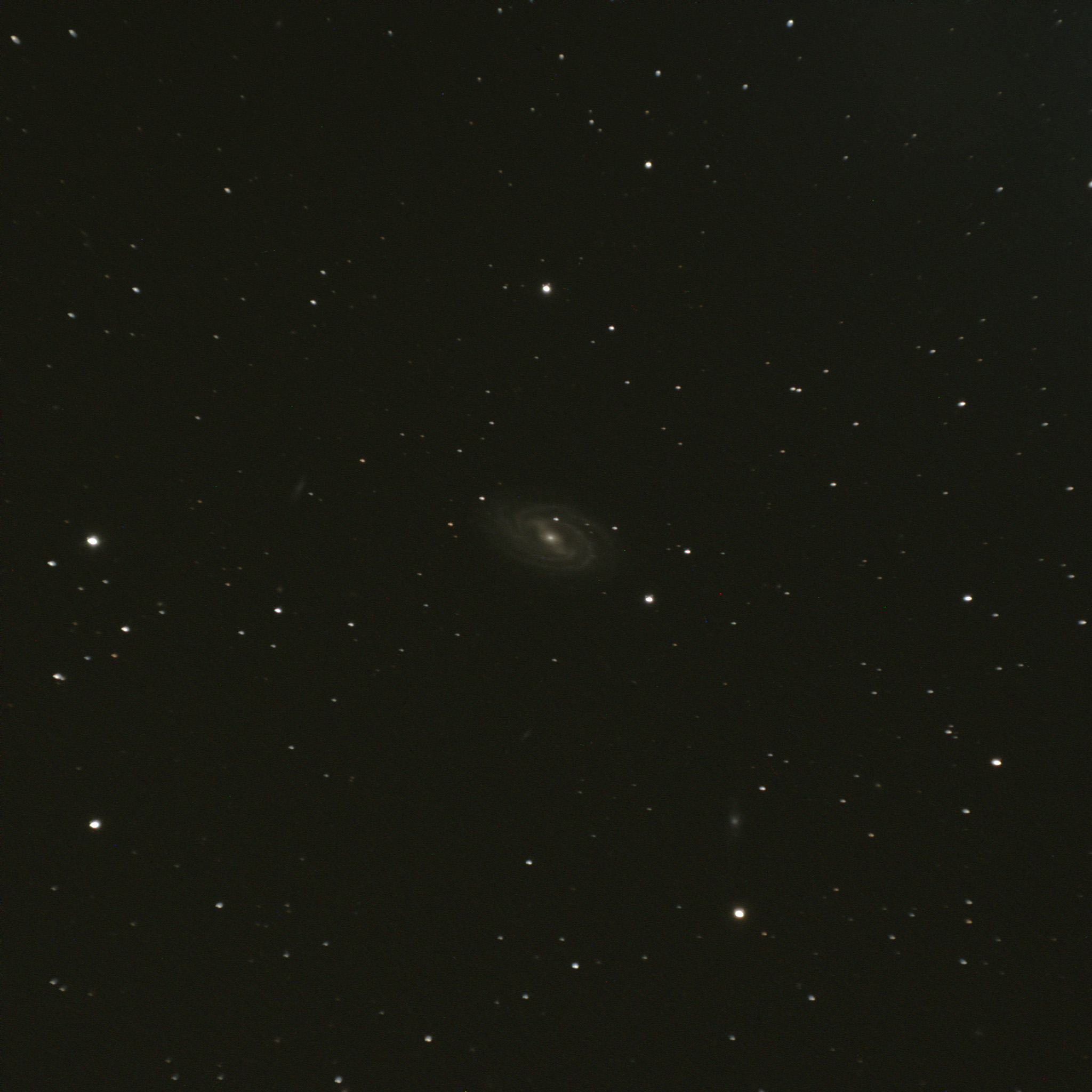
    M109
    M109 in Ursa Major, a faint barred spiral. Note a few distant spirals in the full-size image.
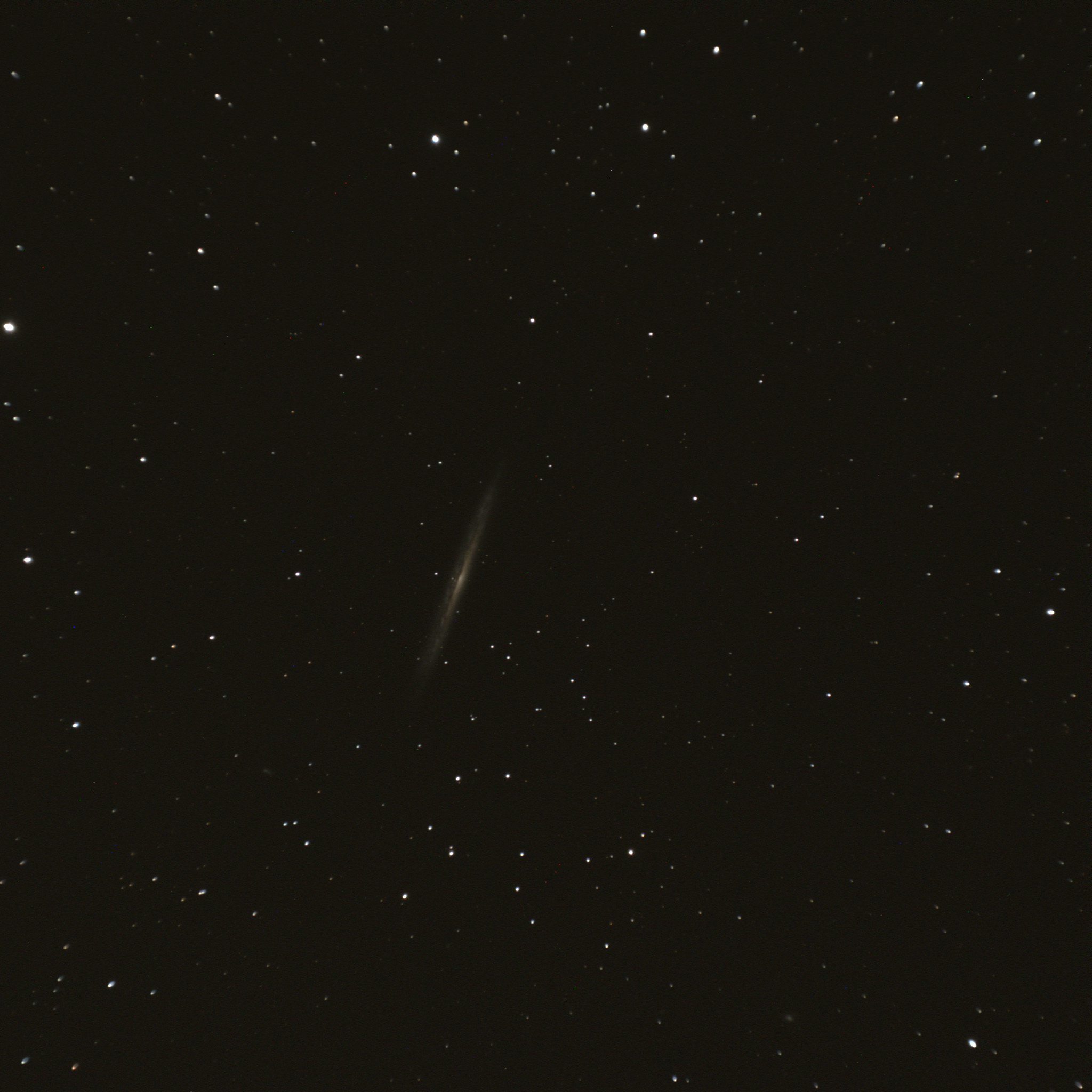
    NGC5907
    NGC5907, an edge-on spiral galaxy in Draco
    M51
    M51 the Whirlpool galaxy pair in Ursa Major, one of the most photographed and observed objects in the sky.